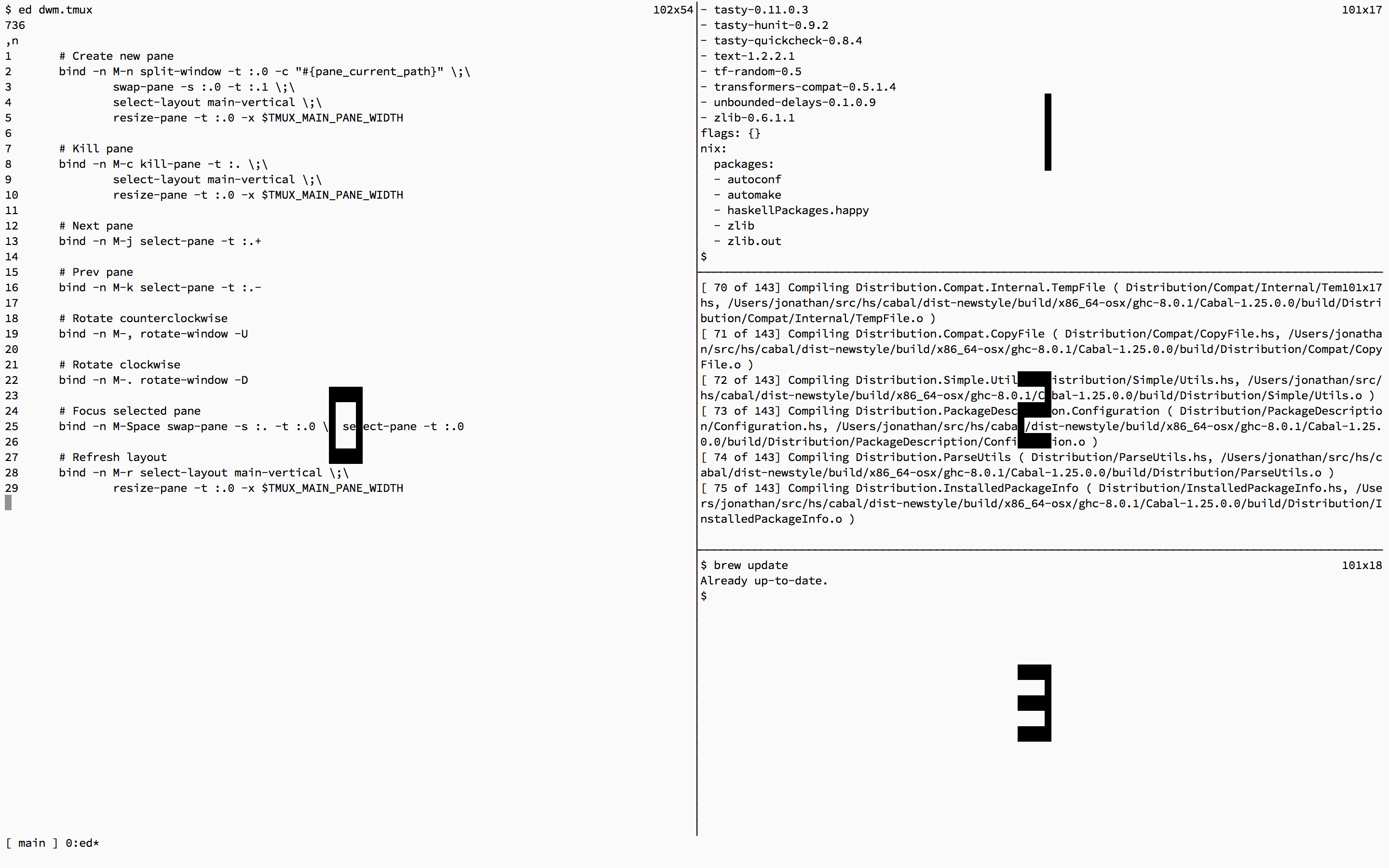
dwm.tmux === dwm-inspired tiling pane and window manager for Tmux.
Dependencies
dwm.tmux requires tmux >= 3.2.Installation
Via TPM (recommended)
Add to~/.tmux.conf:set -g @plugin 'saysjonathan/dwm.tmux'Reload and run prefix-I to fetch.
Manual install (legacy)
To install, use the providedMakefile:git clone https://github.com/saysjonathan/dwm.tmux.git
cd dwm.tmux
makeBy default dwm.tmux uses /usr/local as its prefix. To change the prefix:
make PREFIX=$HOMEEnsure that $PREFIX/bin is in your PATH.
To use, source the dwm.tmux tmux config:
echo 'source-file /usr/local/lib/dwm.tmux' >> $HOME/.tmux.confUsage
dwm.tmux defines the following command aliases, each with a default keybinding:newpaneMeta-nCreate a new pane and place it in the Main panenewpanecurdirMeta-wCreate a new pane starting in the same directory and place it in the Main panekillpaneMeta-cClose the current pane. If the pane is in the Main pane, close the pane and promote the first pane in the stack to the Main panemovepane[0-9]Meta-Shift-[0-9]Move the current pane to the specified windownextpaneMeta-jSelect the next pane (clockwise); swaps fullscreen pane in monocle modeprevpaneMeta-kSelect the previous pane (counterclockwise); swaps fullscreen pane in monocle modestackupMeta-JMove focused pane up the stackstackdownMeta-KMove focused pane down the stackrotateccwMeta-<Rotate panes counterclockwiserotatecwMeta->Rotate panes clockwisetileMeta-tReturn to tiled layout, exiting monocle if activemonocleMeta-SpaceToggle monocle mode (fullscreen current pane)zoomMeta-EnterPlace selected pane in the Main panedecmfactMeta-hDecrease the main pane space factorincmfactMeta-lIncrease the main pane space factorwindow[0-9]Meta-[0-9]Select the target window by IDnewwindowMeta-NCreate a new window starting in the same directory as the current panekillwindowMeta-XDelete the current active windowpopupMeta-pDisplay a floating pane popup in the current pane's directoryincpfactMeta-.Increase the size of the focused pane in the stack, relative to the other panesdecpfactMeta-,Decrease the size of the focused pane in the stack, relative to the other panesresetpfactMeta-=Reset the pfact of the focused pane
Meta-[Previous windowMeta-]Next window
mfactMain pane space factor, the size of the main pane as a percentage of total window sizekilllastIf value is greater than0, kill pane even if it is the last pane in a windowmonocleTracks active layout mode; 0 for tile, 1 for monocle. Set automatically but can be read to inspect current state.pfactPer-pane stack size factor, scale 1-9, default 5. Higher values give the pane more relative height in the stack
Customizations
Keybindings and default values can be set in a configuration file. When using TPM, these must be set after therun '~/.tmux/plugins/tpm/tpm' line in ~/.tmux.conf.Examples:
setenv -g killlast 1 # kill pane even if it's the last
set-option -wg @mfact 60
set-option -wg @pfact 4
bind -n M-q killpane
bind -n M-w newpanecurdir
Details
Similar to dwm, windows are always organized as follows:
 ====================================
|                 |        S1        |
|                 |==================
|      M(0)       |        S2        |
|                 |==================
|                 |        S3        |
====================================--- Tranlated By Open Ai Tx | Last indexed: 2026-07-03 ---