




NotePad

Notepad is a versatile note-taking app that allows you to easily capture and organize your thoughts, ideas, and tasks. With a variety of features, Play Notepad makes it easy to stay on top of your notes and stay organized.
Play NotePad is available on the Google Play Store:


View Demo · Report Bug · Request Feature
About The Project
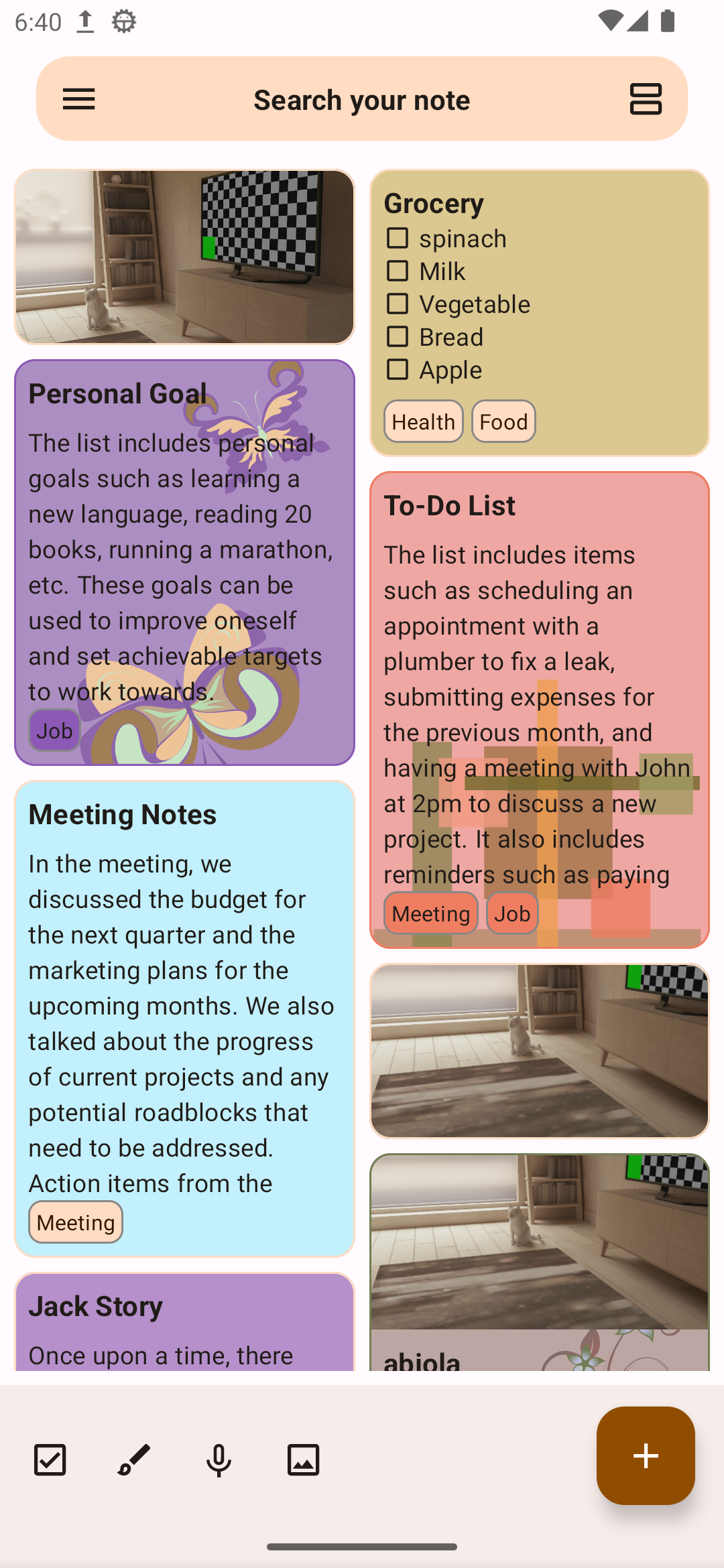
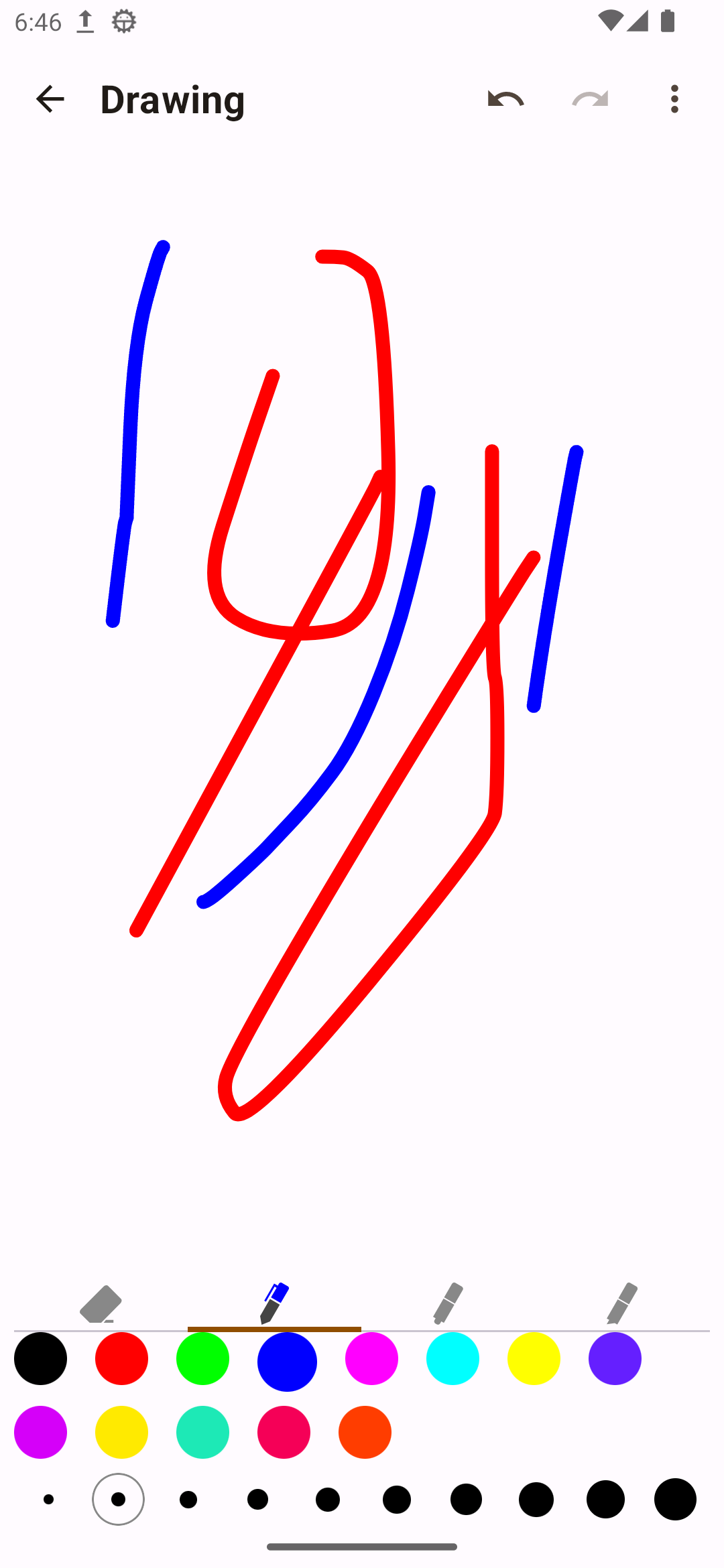
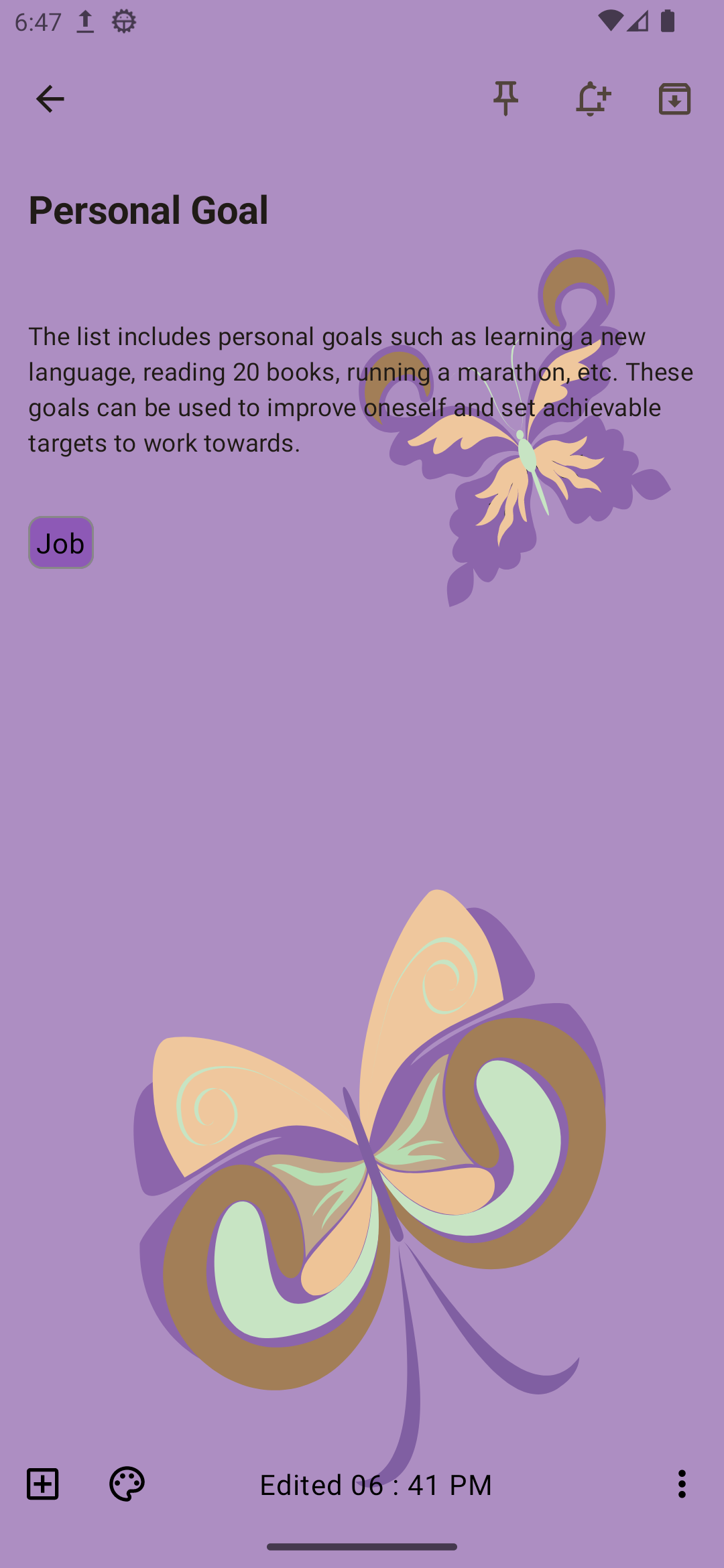
Some highlight features:
- Lazy mode: Automatic scrolling of posts enables you to enjoy amazing posts without moving your
- Easily create and edit text notes.
- Snap a photo or choose one from your camera roll to attach to a note.
- Draw freehand sketches and diagrams to annotate your notes.
- Record audio notes and play them back later.
- Keep important notes at the top of your list for easy access.
- Create checklists and keep track of your tasks with checkboxes.
- Organize your notes by tagging them with labels.
- Duplicate notes for easy reference.
- Share your notes with others via email or messaging.
- Set reminders for notes so you never forget important tasks or events.
- Delete notes you no longer need.
- Keep your notes organized by archiving old or completed tasks.
- Add color to your notes to make them more visually appealing.
- Add an image to the background of your notes for a more personalized look.
- View your notes in list or column format for easy reading and editing.
- Search your notes by keyword label and type.
- Use the app offline and access your notes at any time.
Built With
Clean architecture with 3 main modules
[//]: # ( )
)
- Declarative UI (with Jetpack Compose)
- Compose Navigation (
- Data (for database, API and preferences code)
- Domain (for business logic and models)
- AndroidApp (for UI logic, with MVVM)
- This version brings Modularization
- Version Management (
- Shared Build Logic (
- Dependency injection (with Hilt)
- Reactive programming (
- Android architecture components to share ViewModels during configuration changes
- Splash Screen Support
- Google Material 3 Material Design library
- Edge To Edge Configuration
[//]: # (- [Mockk](https://mockk.io/) library)
[//]: # (- Unit tests)
[//]: # (- Application tests)
[//]: # ( - example on how to work with tests)
[//]: # (- Activity tests (with [Compose Testing](https://developer.android.com/jetpack/compose/testing)))
[//]: # ( - example on how to work with coroutine scopes in tests)
Contribution
- Contributions are what make the open source community such an amazing place to learn, inspire,
- Whether you're helping us fix bugs, improve the docs, or spread the word, we'd love to have you
- Thanks for your interest in contributing! There are many ways to contribute to this project. Get
Feedback
Don't forget to give the project a star! Thanks again!
You can use Github Discussions for discussions about the app or just questions in general. There you can also submit Feature Requests ( please read the instructions on how to submit a feature request first!) or if you are a developer fork this project and create a pull request
- Fork the Project
- Create your Feature Branch (
git checkout -b feature/AmazingFeature) - Commit your Changes (
git commit -m 'Add some AmazingFeature') - Push to the Branch (
git push origin feature/AmazingFeature) - Open a Pull Request
Development
License
Play Notepad is licensed under the GNU General Public License (GPL-3.0). You can find the license
text in the LICENSE file.
Contact
mshdabiola - @Mshdabiola - mshdabiola@gmail.com
Acknowledgments
--- Tranlated By Open Ai Tx | Last indexed: 2025-12-12 ---