mdfried
mdfried is a markdown viewer for the terminal that renders headers as Bigger Text than the
rest.
Screenshots
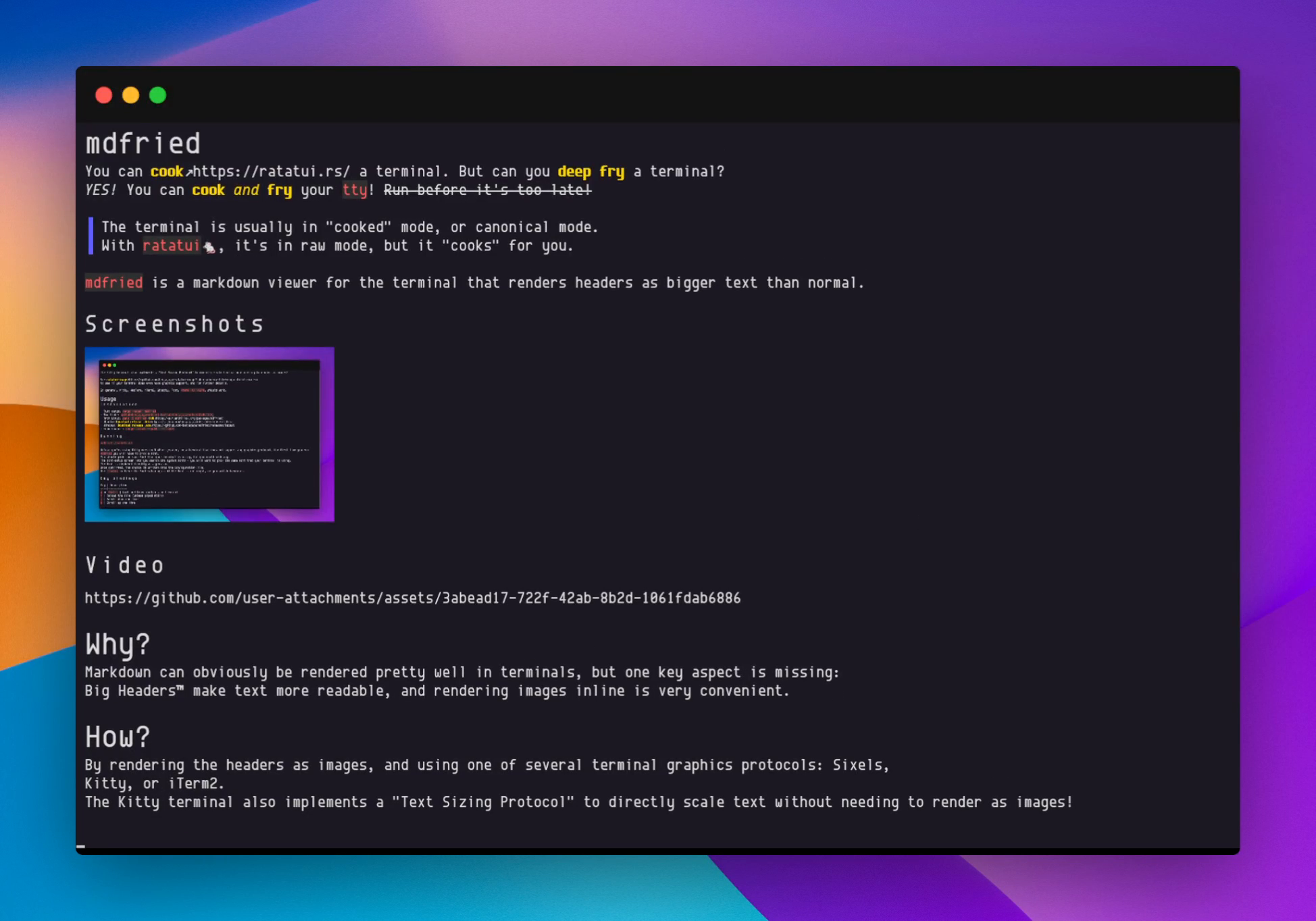
Latest test screenshot array from master
Video
https://github.com/user-attachments/assets/e69154a7-bea8-4e14-a677-be7ccf0d3cac
Why?
You can cook a terminal. But can you deep fry a terminal?
YES! You can cook and fry your tty! ~~Run before it's too late!~~
The terminal is usually in "cooked" mode, or canonical mode.
With ratatui🐁, it's in raw mode, but it "cooks" for you.Markdown can obviously be rendered pretty well in terminals, but one key aspect is missing: Big Headers™ make text more readable, and rendering images inline is very convenient.
How?
By rendering the headers as images with ratatui, and using one of several terminal graphics protocols: Sixels, Kitty, or iTerm2. The Kitty terminal also implements a Text Sizing Protocol to directly scale text without needing to render as images!
See ratatui-image to see if your terminal does even have graphics support, and for further details.
In general, Kitty, WezTerm, iTerm2, Ghostty, Foot, xterm -ti vt340, should work.
On terminals without graphics whatsoever, like Alactritty, images are rendered with Chafa.
Installation
- Rust cargo:
cargo install mdfried - From source :
cargo install --path . - Needs a chafa package with development headers, usually called something like
libchafa-dev,libchafa-devel, or justlibchafa, or even justchafa. - If chafa is not available at all, or you don't care about it because your terminal supports some graphic protocol, then use
--no-default-features. - If
cargo install ...fails, try it with--locked, and/or report an issue. - Nix flake:
github:benjajaja/mdfried - Nixpkgs:
mdfried - Arch Linux:
pacman -S mdfried(extra repository) - Ubuntu: Download release .deb
- Mac:
brew install mdfriedor realease binaries - Windows: Download release .exe
Usage
Running
mdfried ./path/to.mdmdfried you will have to pick a font.
You should pick the same font that your terminal is using, but you could pick any.
The font-setup screen lets you search the system fonts - you will want to pick the same font that
your terminal is using.
The font is rendered directly as a preview.
Once confirmed, the choice is written into the configuration file. Use --setup to force the font-setup again if the font is not right.
You can also pipe markdown into it:
readable https://lobste.rs | markdownify | mdfriedKey bindings
Key | Description
----|------------
q or Ctrl-c | Quit and leave contents on terminal
r | Reload the file (unless piped stdin)
j | Scroll down one line
k | Scroll up one line
d or Ctrl-d | Scroll down half page
u or Ctrl-u | Scroll up half page
f or PageDown or Space | Scroll down a page
b or PageUp | Scroll up a page
g | Go to start of file
G | Go to end of file
/ | Search text
n | Jump to next match or link
N | Jump to previous match or link
Enter | Open selected link with xdg-open
Esc | Leave search or link modes
Entering a number before motion applies the motion that many times.
Mouse scroll only works if enabled in settings as enable_mouse_capture = true, but then you can't
select text.
Configuration
~/.config/mdfried/config.toml is automatically created on first run.
--- Tranlated By Open Ai Tx | Last indexed: 2026-03-18 ---