IKEA 3D Model Downloader
This Tampermonkey script adds a download button for 3D models on IKEA product pages, allowing you to easily save .GLB files of IKEA furniture and decorations. It works across different language versions of IKEA websites and automatically names the downloaded files based on the product name and color. The files can be opened in 3D software like Blender. This allows you to try out the furniture in your own 3D home planning software before making a purchase decision.
UPDATE: 28.11.2025 - Works on latest IKEA website
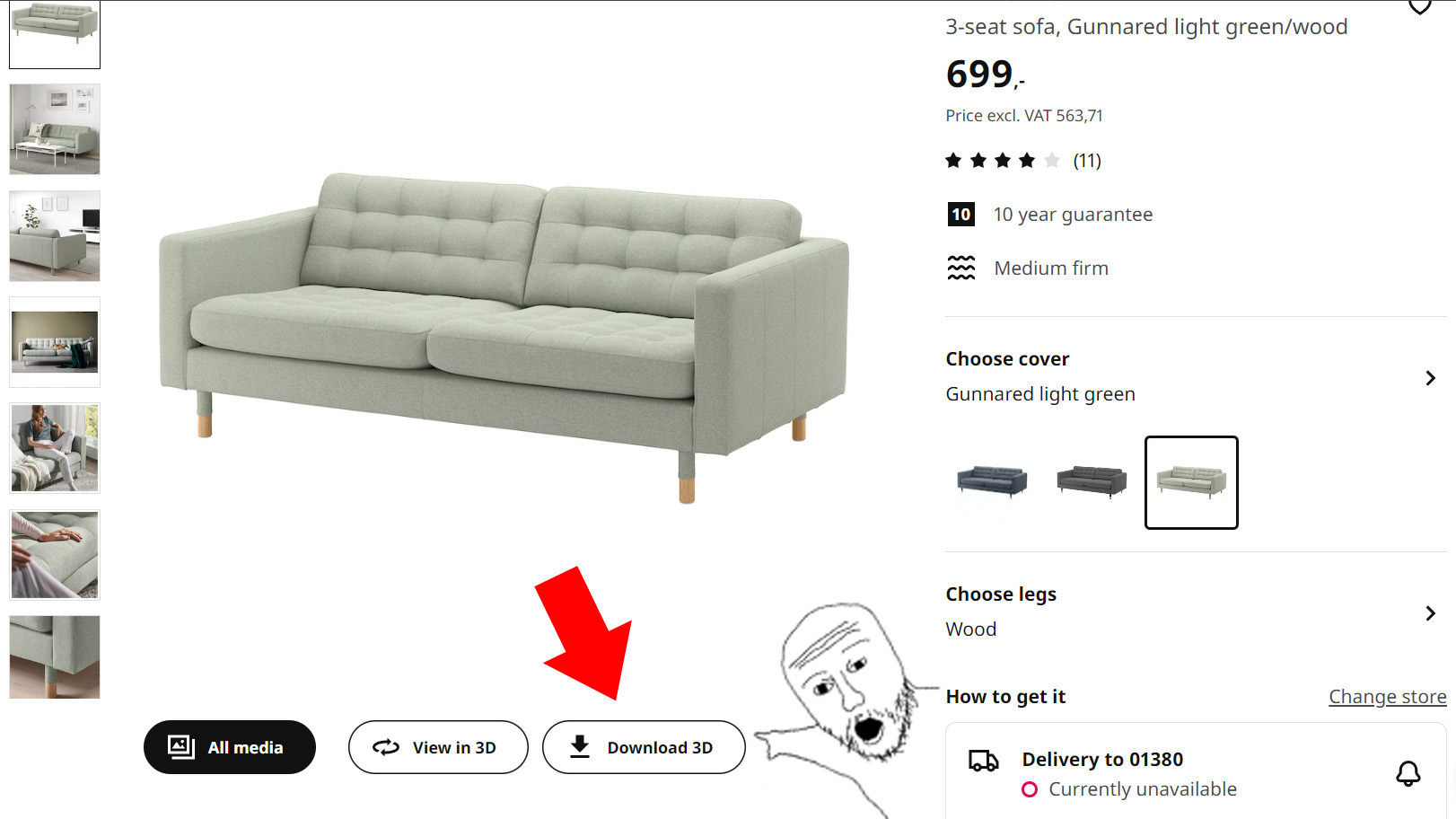
Features
- Adds a "Download 3D" button next to the "View in 3D" button on IKEA product pages
- Works on all language versions of IKEA websites
- Automatically names downloaded files using the product name and color
Installation
- Install the Tampermonkey browser extension for your browser.
- Click this link to install or update this script, or alternatively create a new script in Tampermonkey and paste the contents of
ikea-3d-model-downloader.user.jsinto it. - Save the script and ensure it's enabled in Tampermonkey.
Usage
- Navigate to any IKEA product page that has a "View in 3D" button.
- You'll see a new "Download 3D" button next to the "View in 3D" button.
- Click the "Download 3D" button to download the GLB file of the 3D model.
- The file will be saved with a name in the format:
[Product Name] - [Color].glb
Troubleshooting
- If the download button doesn't appear, ensure you're on a product page with a 3D model available and refresh the page.
- If using Chrome, try turning on developer mode
- If nothing works, create a bug report here and I'll try to fix it as soon as possible
Disclaimer
This tool is designed for personal home planning and visualization. Always respect IKEA's terms of service and use the saved models only for personal home design projects. The authors are not responsible for any misuse or violation of terms.
--- Tranlated By Open Ai Tx | Last indexed: 2025-12-21 ---