TerminalStart
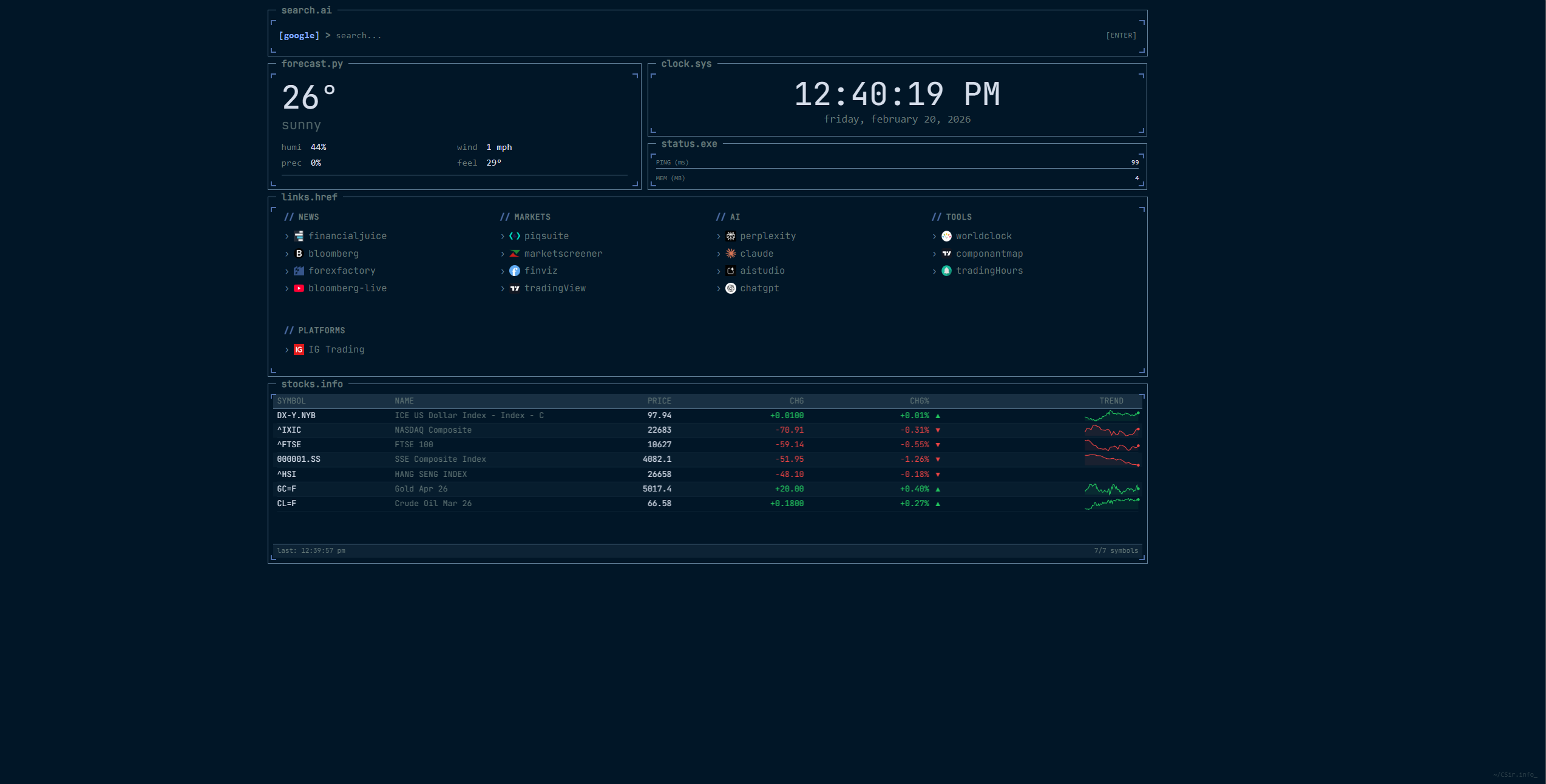
Retro-inspired, modular new tab dashboard built for focus and speed.
Install in Edge / Chrome
- Open
edge://extensions(orchrome://extensions) - Enable Developer Mode
- Click Load unpacked
- Select the
extensionfolder
Todoist Integration
Sync your todo widget with Todoist using a personal API token.
- Go to Settings > Advanced > Todo Widget
- Enable Sync with Todoist
- Paste your API token (Settings > Integrations > Developer on todoist.com)
- Grant host permission when prompted
| Input | Task | Due |
|---|---|---|
| meet john tomorrow at 2pm | meet john | tomorrow at 2pm |
| buy groceries next monday | buy groceries | next monday |
| call mom every friday | call mom | every friday |
| submit report jan 15 | submit report | jan 15 |
Todoist's NLP handles parsing. Local mode still supports time-only syntax (e.g. standup 9am).
Build
Requirements
- Node.js v16+
- Python 3
Steps
- Install dependencies:
npm install- Build:
npm run buildThe build script automatically syncs assets into the extension/ folder.
- Package:
python scripts/package_addon.pyOutput: terminal-start-v1.0.0.zip
Testing
npx playwright testRuns e2e tests against the extension using Chromium.
Notes
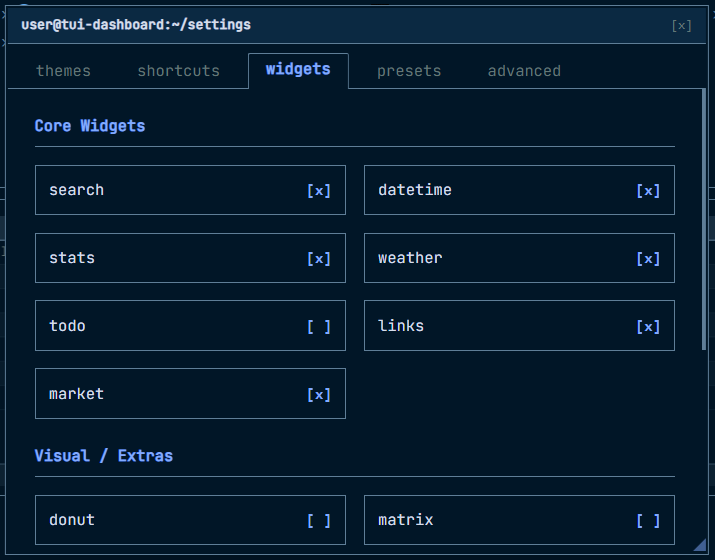
- Hover over the top right section for settings.
- API tokens are stored locally in your browser and never sent anywhere except the Todoist API.