Jelly Music App (JMA)
A lightweight & elegant music interface for Jellyfin. Made to be intuitive and minimal with great attention to detail, a clutter-free web app centered on music playback. Using the Jellyfin API, it provides seamless access to your personal music library. Demo
Looking for a video player? Check out Jelly Video App - the video-focused version for your Jellyfin library!
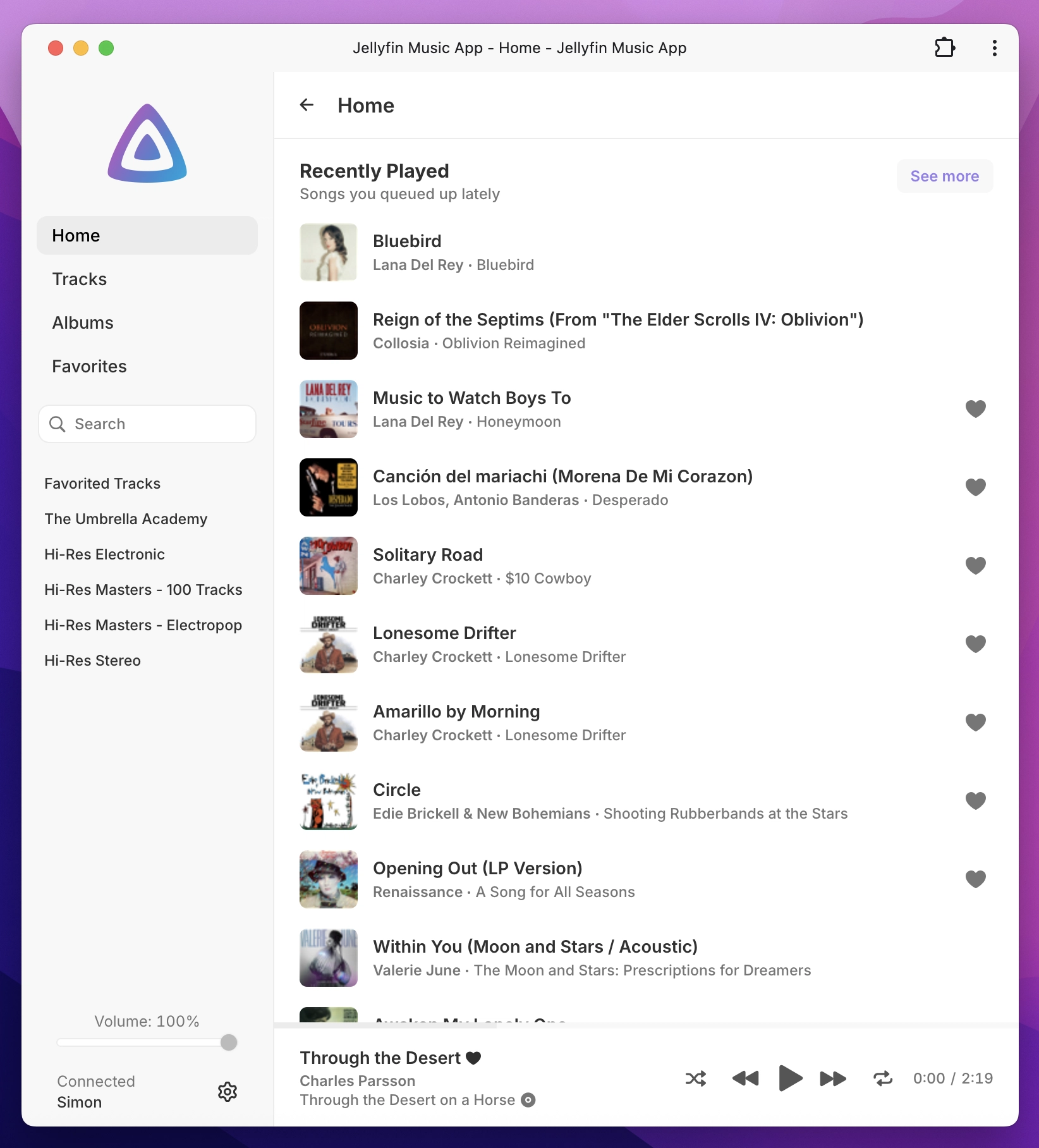
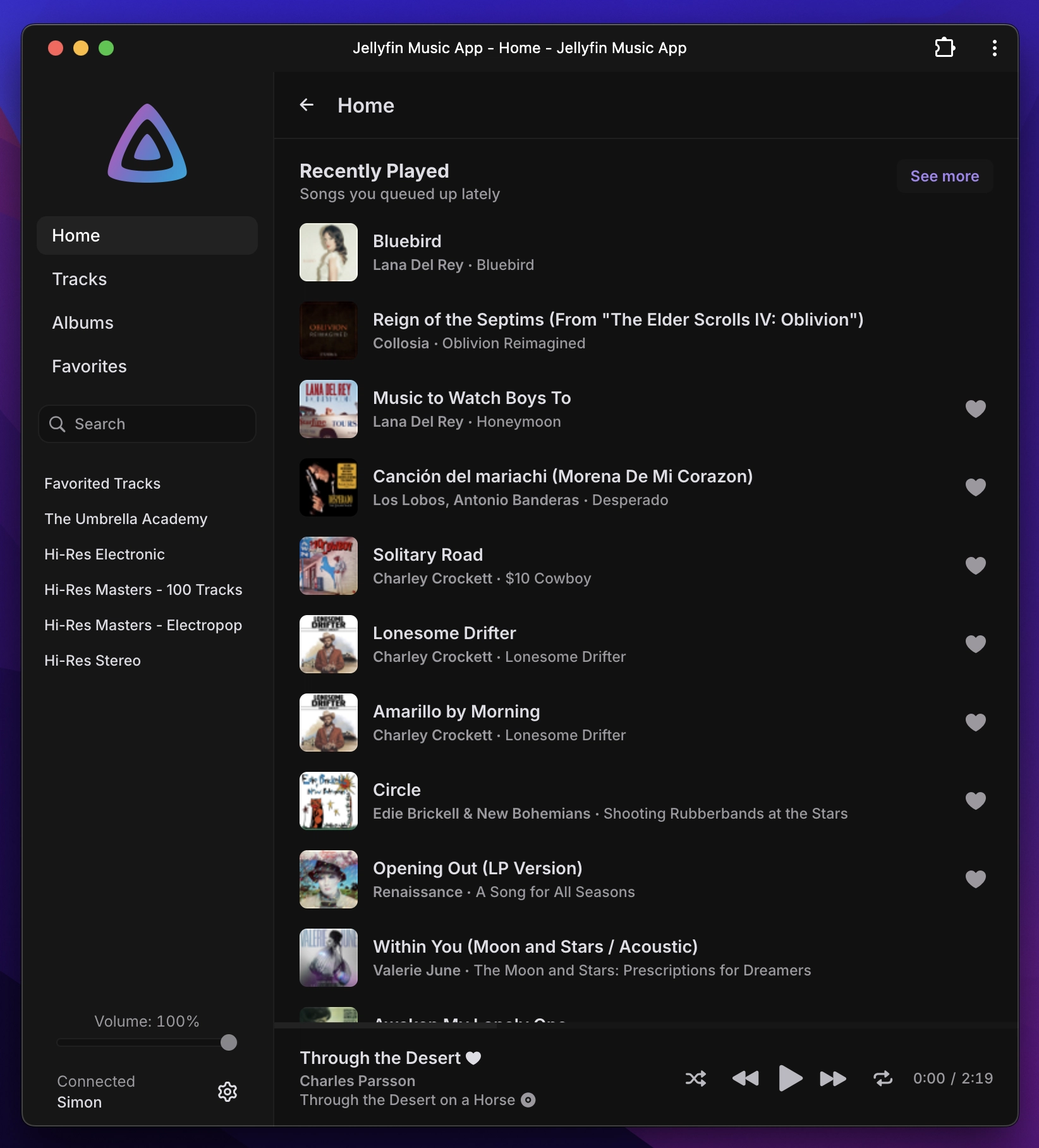
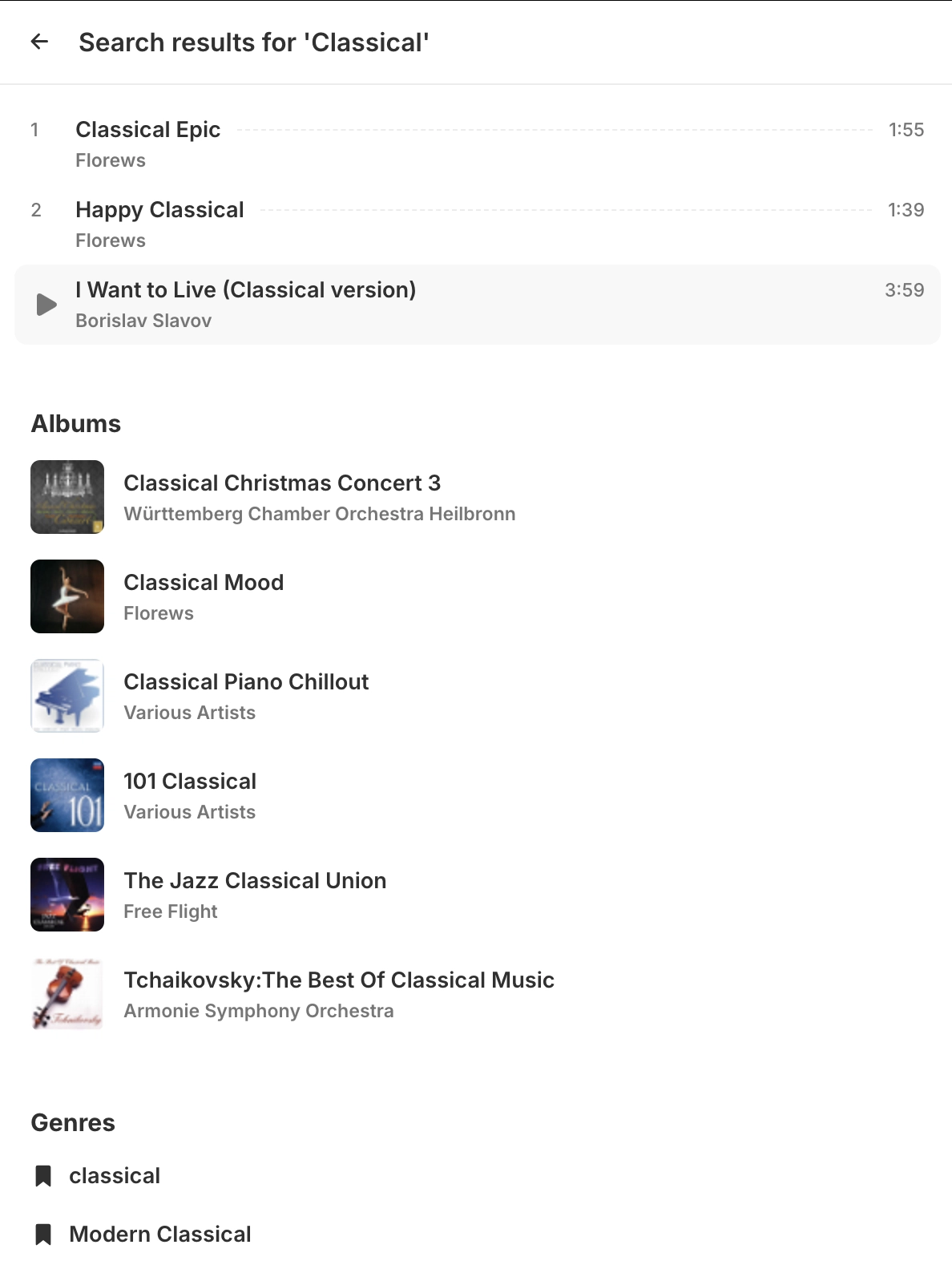
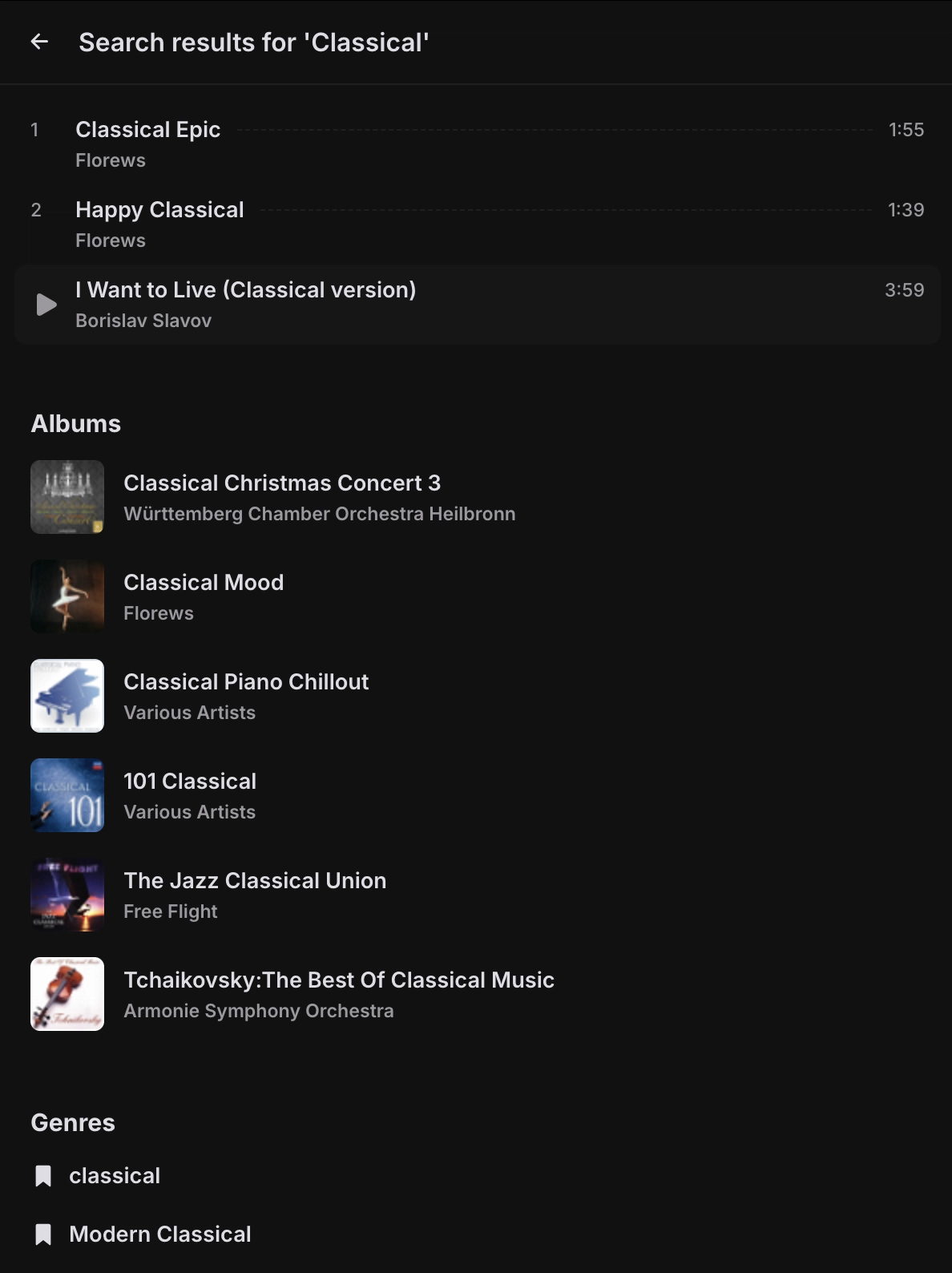
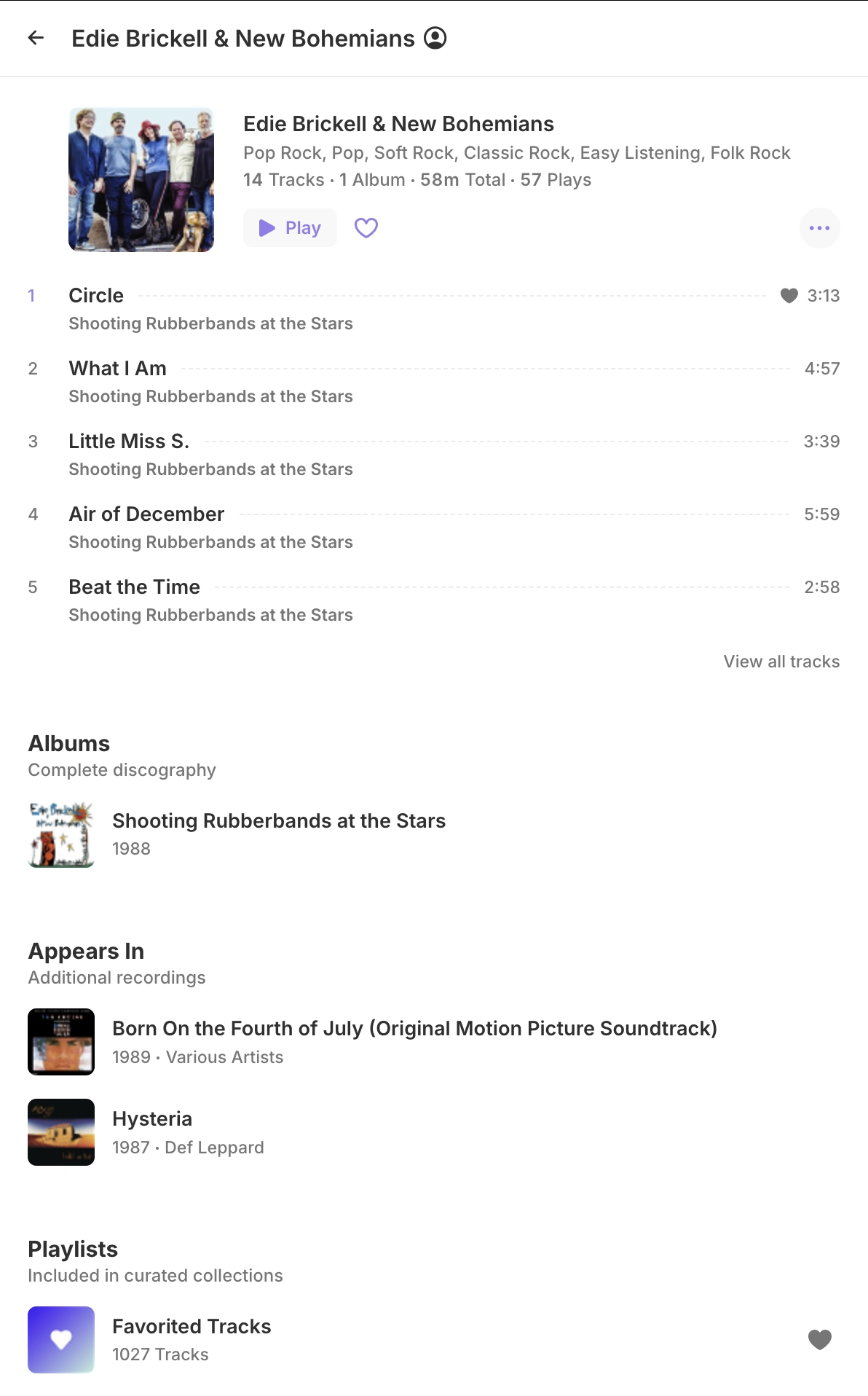
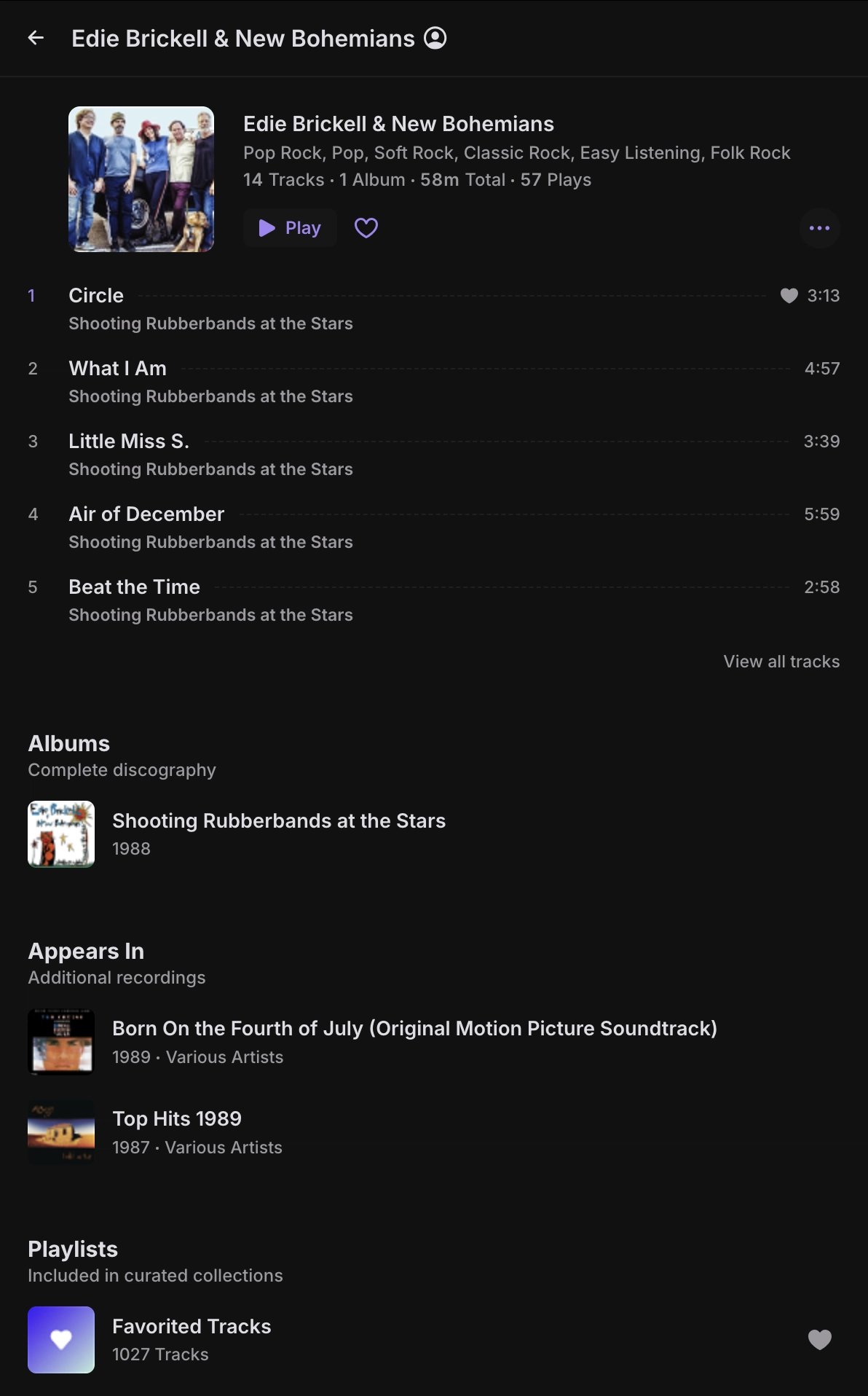
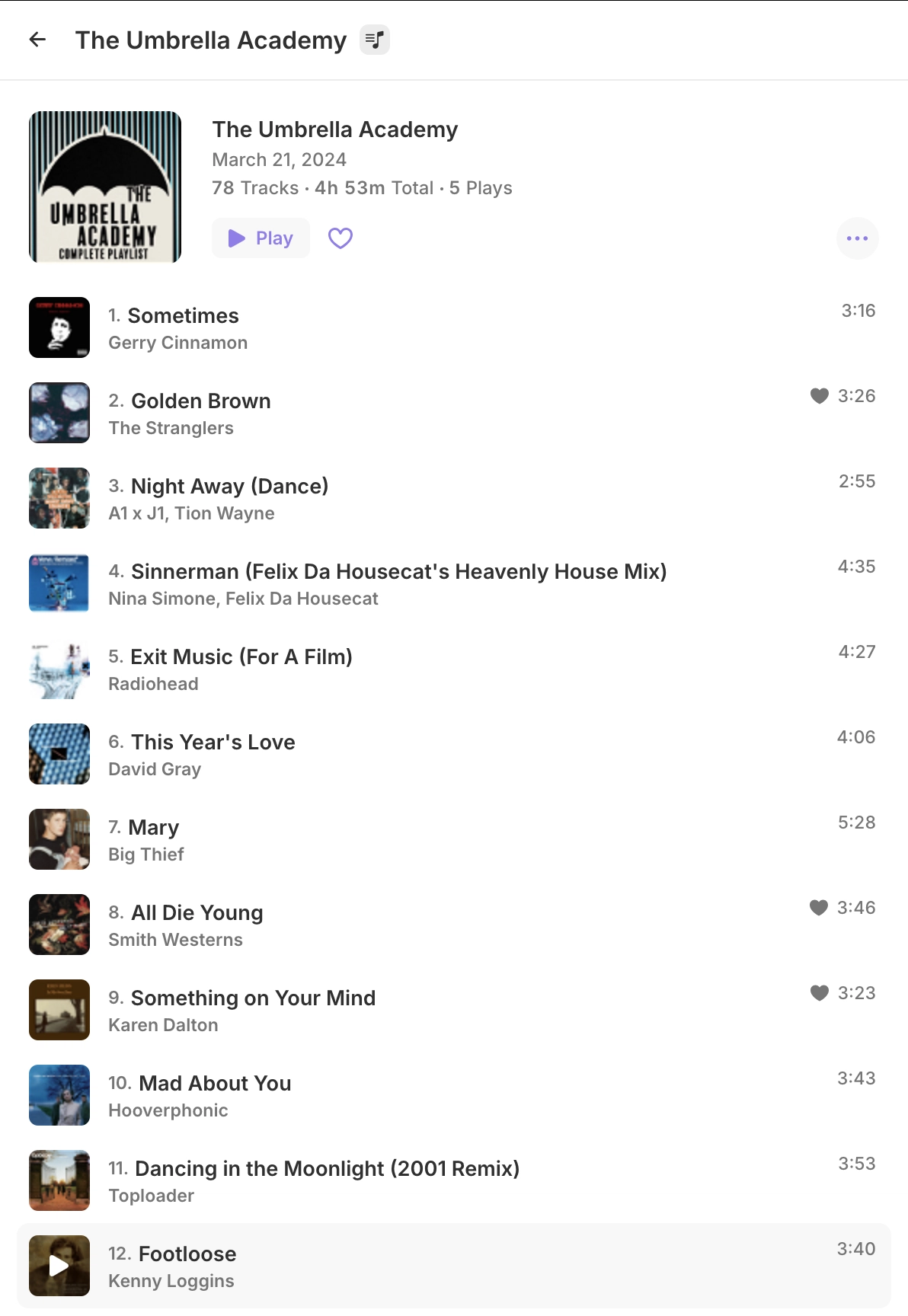
Search for tracks, artists, albums, playlists, genres View additional search results in a dedicated window Features most played songs, albums, and other collaborations Playlist view, with it's own numbered tracklistAdditional screenshots
Sidenav search
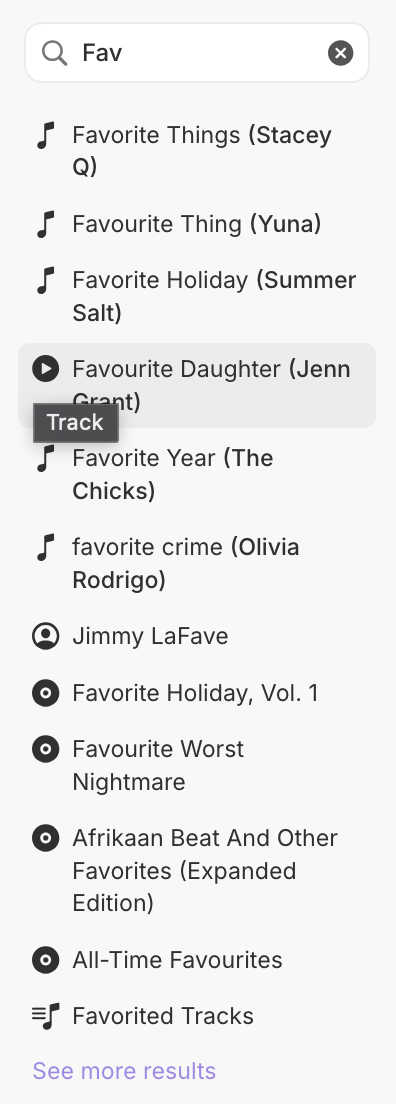
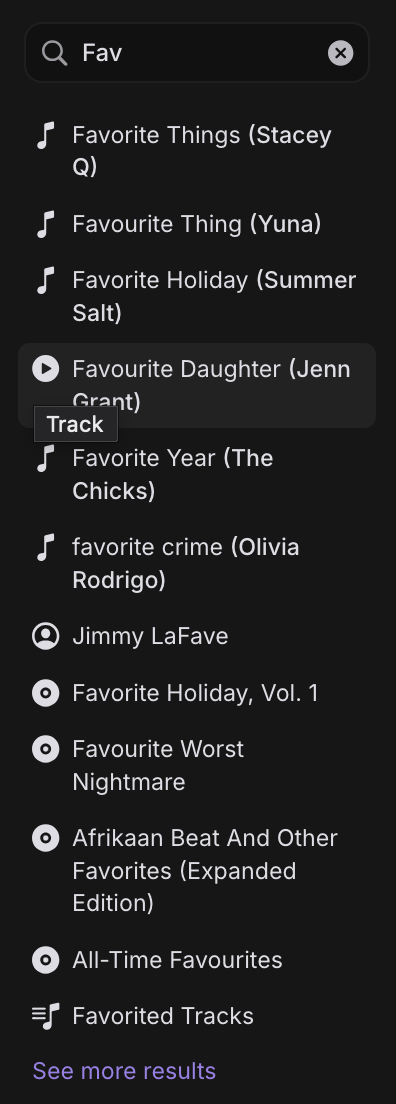
Search results
Artists
Playlists

Features
- Elegant & Simple Design: A clean, clutter-free interface that makes music playback effortless and enjoyable. Built with modern tools like React for a snappy, reliable experience.
- Device Friendly: Enjoy a smooth, app-like experience on mobile and desktop alike, installable as a PWA for instant access.
- Seamless Library Access: Connect to your Jellyfin server to explore your personal music collection with ease.
- Discover Your Favorites:
- Home: Jump back in with recently played tracks, your most-played favorites, and newly added media.
- Artists: Browse top tracks, albums, and collaborations for any artist in your library.
- Playlists: View playlists with a clear, numbered tracklist for quick navigation.
- Quick Search: Find tracks, artists, albums, playlists, or genres effortlessly with a sidenav search or dedicated results page.
- Instant Mix: Enjoy curated playlists directly from your music library on a standalone page.
- Queue: Effortlessly manage and reorder tracks with the enhanced and improved Queue functionality.
- Crossfade: Smoothly transition between tracks for a seamless and immersive listening experience.
- Preload: Intelligently preload the next track in advance to ensure smooth, uninterrupted playback without buffering delays.
- Synchronized Lyrics: Enjoy your favorite songs in a new way with a spectacular UI showing perfectly timed lyrics that appear line-by-line as you listen.
- Smart Fetching: Caches your music efficiently for instant, smooth playback.
- Offline Sync: Download individual songs, full albums, playlists, or artists for offline playback.
- Auto-Sync: Automatically downloads newly added tracks to any previously saved playlist, album, or artist.
- Persistent Queue: Downloads are managed with a local queue that resumes seamlessly across sessions.
- Transcoded or Direct Streams: Supports both original quality and transcoded downloads based on your selected bitrate.
- Docker Support: Pull and deploy the app using a pre-built Docker image with a pre-configured Jellyfin server URL for seamless self-hosting.
Installation
Jelly Music App can be installed as a dedicated desktop app, available on our GitHub release page. You can also get the latest production build from there and deploy it on your web server by placing the archived folder's contents in a web-accessible directory.
It's also available as a docker image for easy deployment, see docker details below.
Yarn (npm i -g yarn) is required if you wish to build the project or run the development server yourself.
#### Build from Source
- Clone the repository:
git clone https://github.com/Stannnnn/jelly-app.git
``
- Install dependencies:
`bash
yarn
`
- Build the production files:
`bash
yarn build
`
- Deploy the contents of the
dist folder to a web-accessible directory.Alternatively, you can run the development server directly:
yarn dev or yarn dev:nocacheIf you wish to use a base path for the application other than root (
), you must build it manually while setting URL_BASE_PATH to your preferred base path.config.json as needed. Configurations are explained on the App Configuration Section.
The config.json file can be changed directly in the built application afterwards. There is no need to rebuild if only changing a configuration variable.Docker
You can easily host Jelly Music App using Docker with the prebuilt image from ghcr.io:
#### Pull the docker image
#### Run the docker image
bash docker run --rm \ -e DEFAULT_JELLYFIN_URL=https://demo.jellyfin.org/stable \ -e LOCK_JELLYFIN_URL=false \ -p 80:80 ghcr.io/stannnnn/jelly-music-app:latest `Docker image can also be run in the background by adding the -d flagdocker run -d ...#### Run the docker image with configuration variables
The following are the available tags for docker:
| Tag | Description |
| ------ | -------------------------- |
| latest | Tracks most recent release |
| main | Tracks the main branch |
| vX.X.X | Version specific tags |
E.g:
#### Docker Container Build
You can also build Jelly Music App using Docker.
- Build the Docker image:
bash
    docker build . --tag jelly-music-app
`- Run the Docker container:
bash
    docker run --rm -p 80:80 jelly-music-app:latest
` You can also provide configuration using environment variables.
bash
    docker run --rm \
        -e DEFAULT_JELLYFIN_URL=https://demo.jellyfin.org/stable \
        -e LOCK_JELLYFIN_URL=false \
        -p 80:80 jelly-music-app:latest
`#### Docker Compose
For easier container management, you can use Docker Compose. A
file is provided in the repository with sensible defaults.- Copy the example environment file and customize it for your setup:
`bash
cp .env.example .env
`- Edit the
file with your Jellyfin server URL and preferences:
`env
JELLYAPP_PORT=80
JELLYAPP_DEFAULT_URL=https://demo.jellyfin.org/stable
JELLYAPP_LOCK_URL=true
`
- Start the container using Docker Compose:
`bash
docker-compose up -d
`
The docker-compose.yaml file uses environment variables with the following defaults:
JELLYAPP_PORT: External port to expose (default: 80)
JELLYAPP_DEFAULT_URL: Default Jellyfin server URL (default: https://demo.jellyfin.org/stable)
JELLYAPP_LOCK_URL: Lock the Jellyfin URL input (default: false)App Configuration
App configuration can be modified by editing the
config.json file during the build process or in the release files. When using Docker, configurations can be provided as environment variables. The available configuration options are as follows:
DEFAULT_JELLYFIN_URL: Sets the default Jellyfin server URL loaded on first app access if no URL is stored in Local Storage.
LOCK_JELLYFIN_URL: If set to true, removes the URL input field and enforces the default URL (DEFAULT_JELLYFIN_URL) for all connections, ideal for self-hosted instances tied to a single server.Contributing
We're open to pull requests, please merge them to the
develop` branch. If you have any suggestions or improvements, feel free to open an issue or submit a pull request. Your contributions are welcome and appreciated!--- Tranlated By Open Ai Tx | Last indexed: 2026-07-21 ---