Tail Tray
Tailscale tray menu and UI for Plasma DesktopDisclaimer Please note that I have _no_ association whatsoever with Tailscale Inc.
This is a personal project and is not endorsed by Tailscale Inc. in any shape or form.
Features
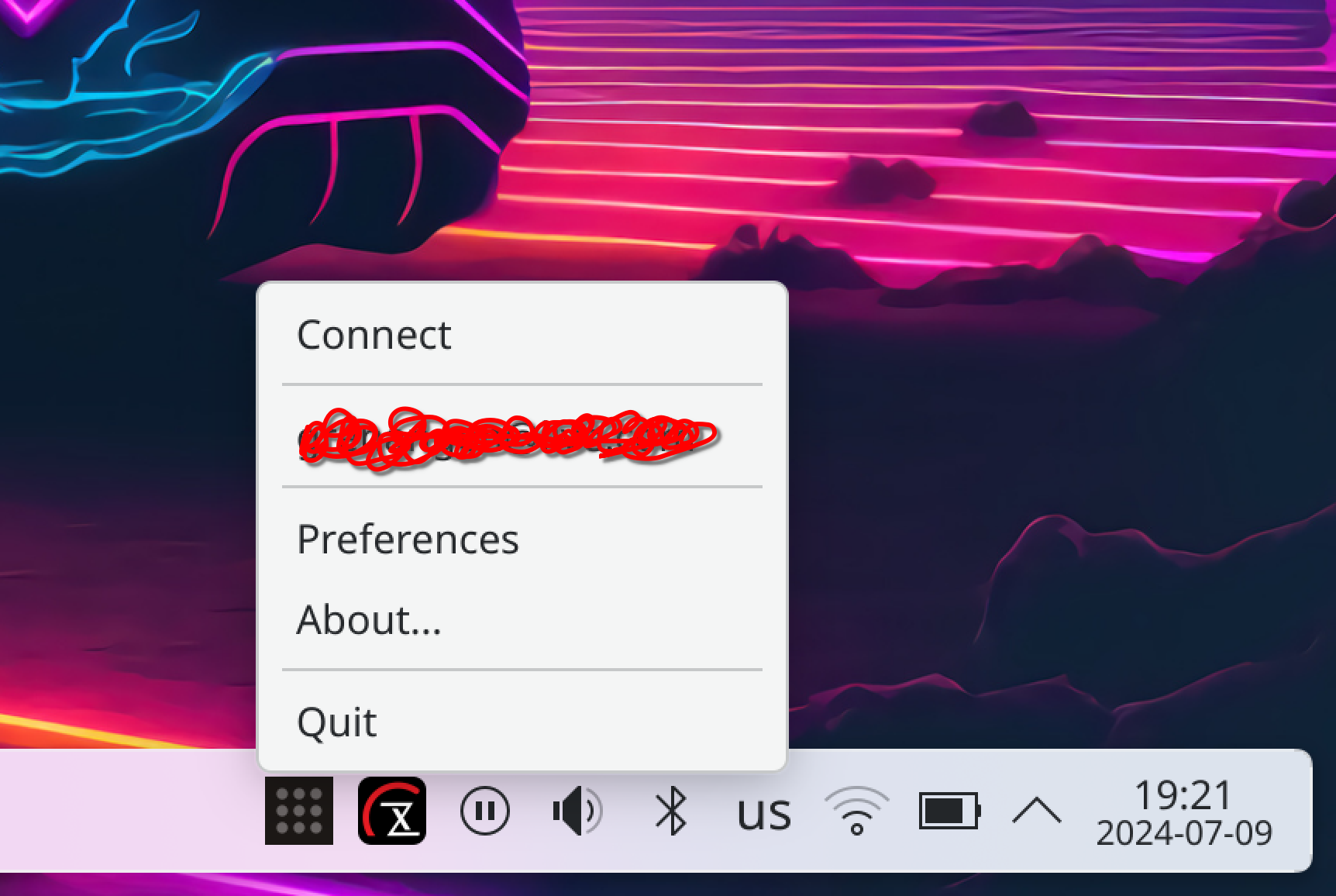
- [X] Control your Tailscale connection from the tray
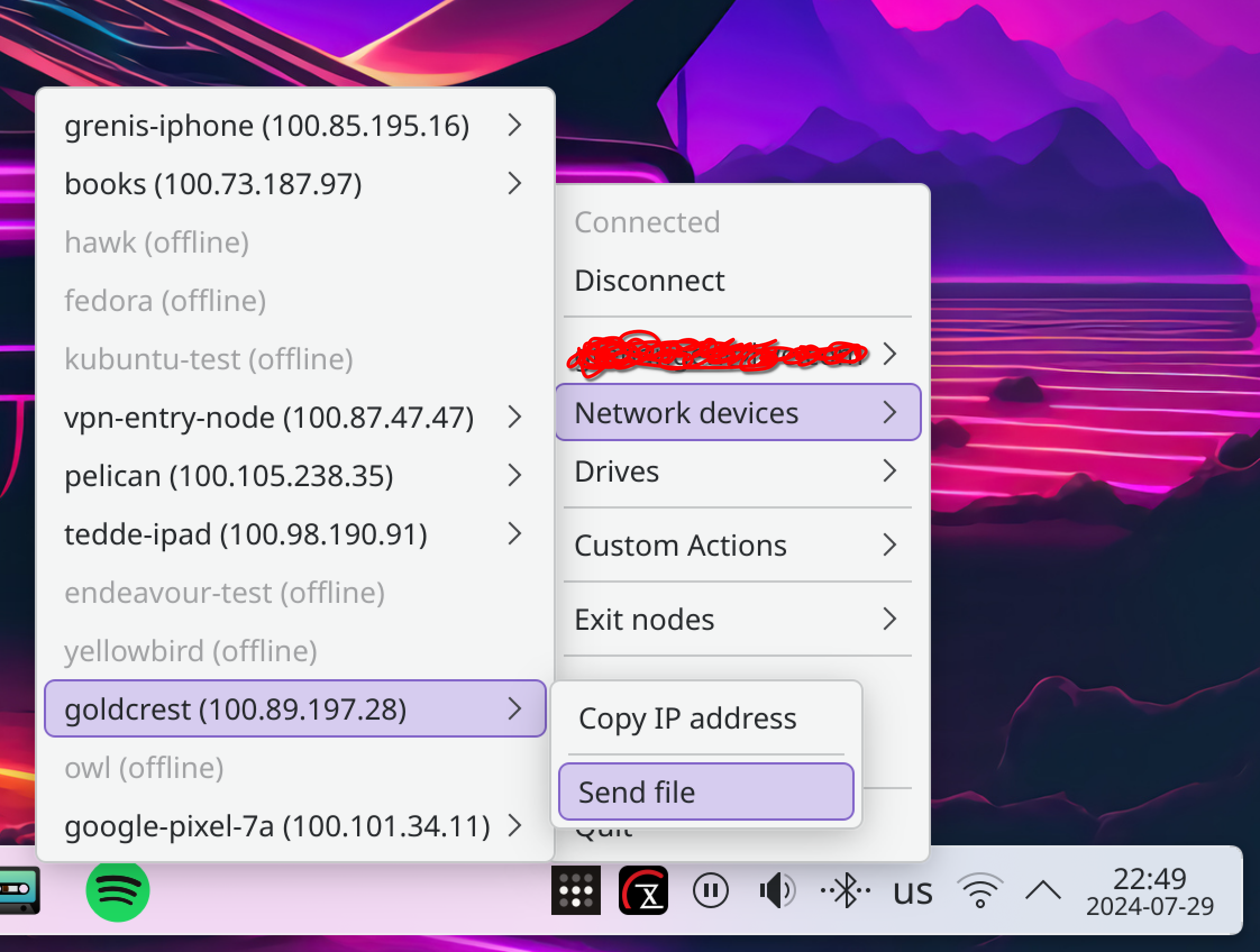
- [X] Show IPs
- [X] Show current connection status of your devices
- [X] Overview of your network and network status
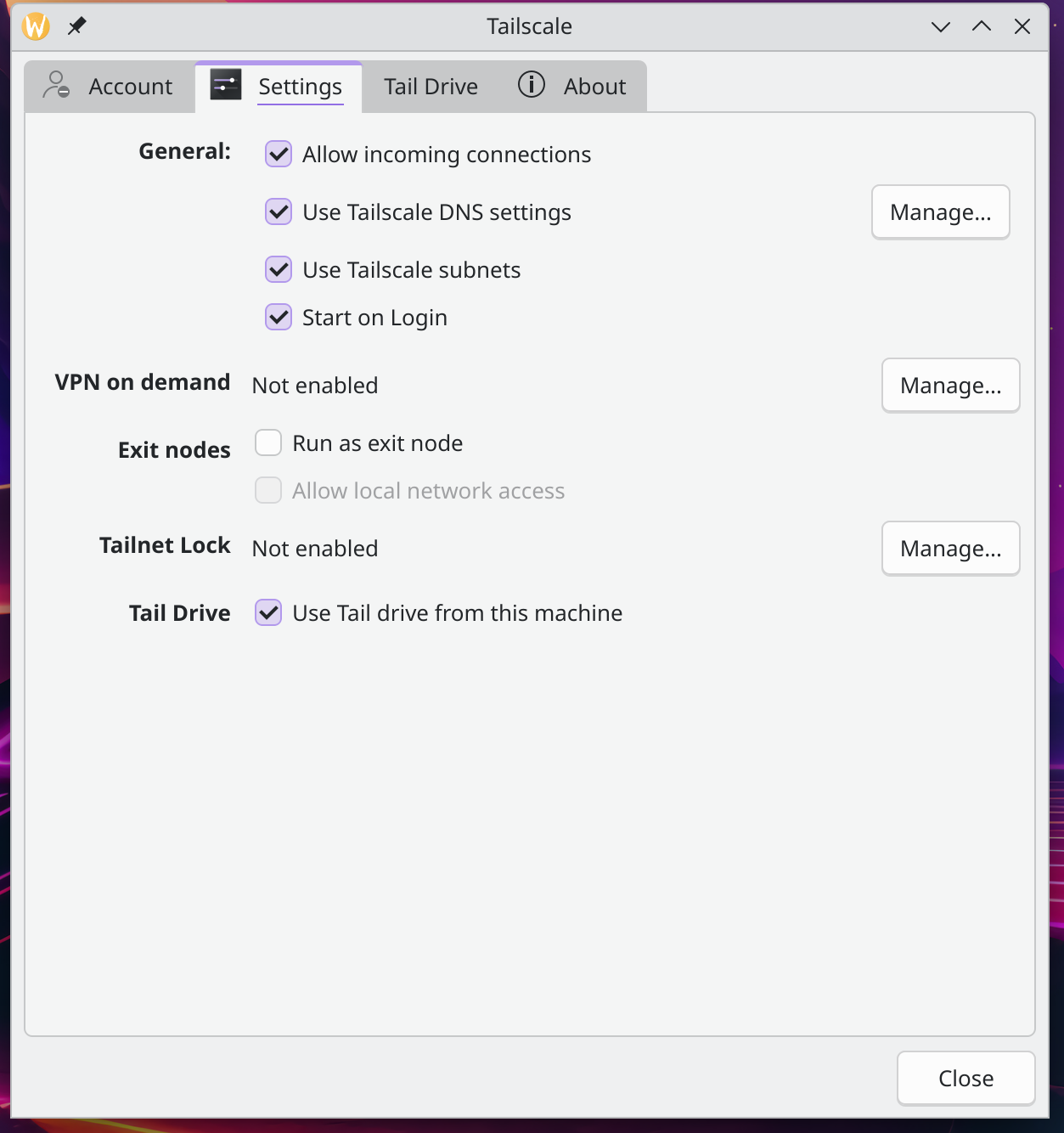
- [X] Set and change your Tailscale exit node
- [X] Proper multi account handling
- [X] Mullvad Exit nodes
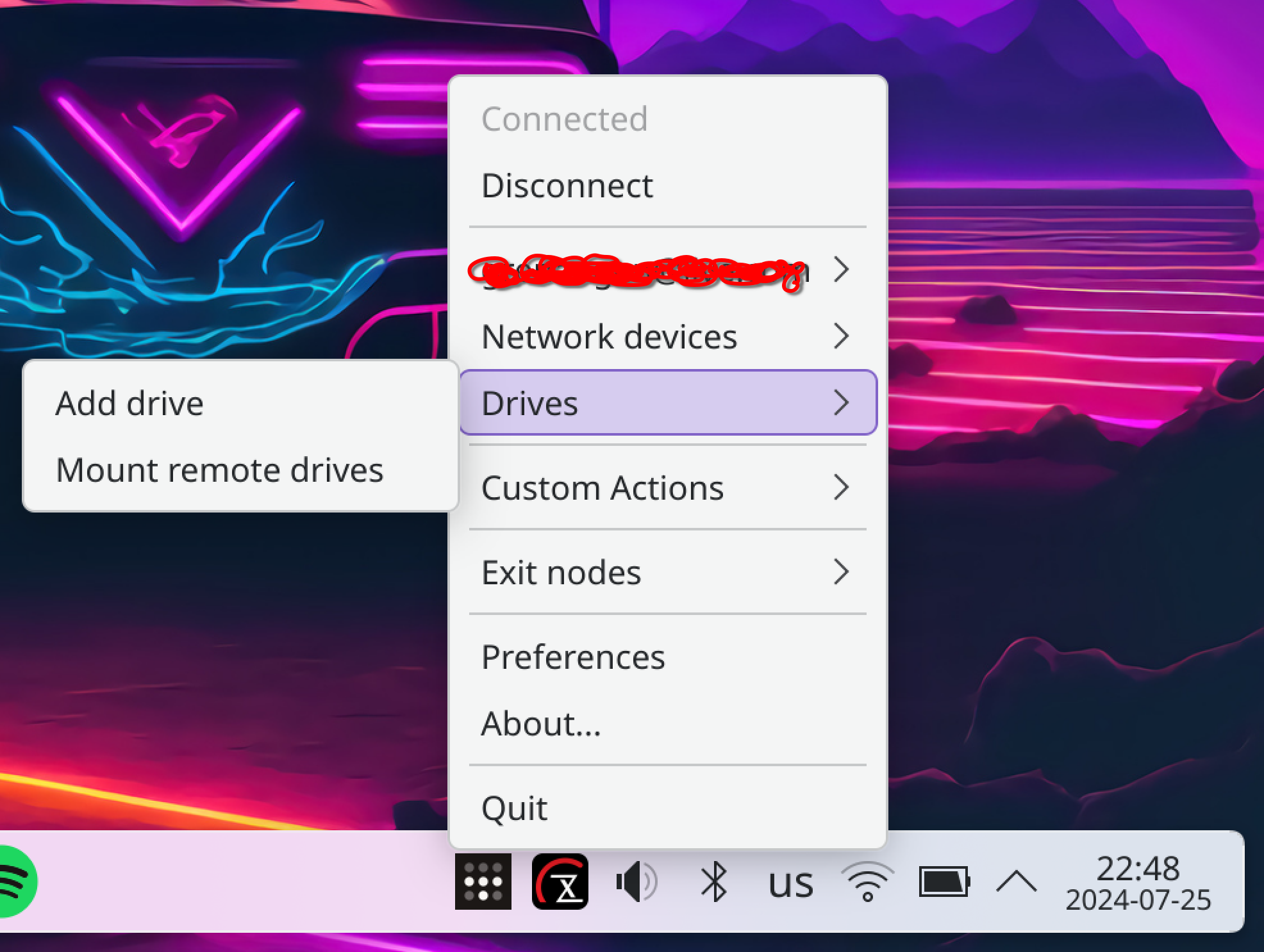
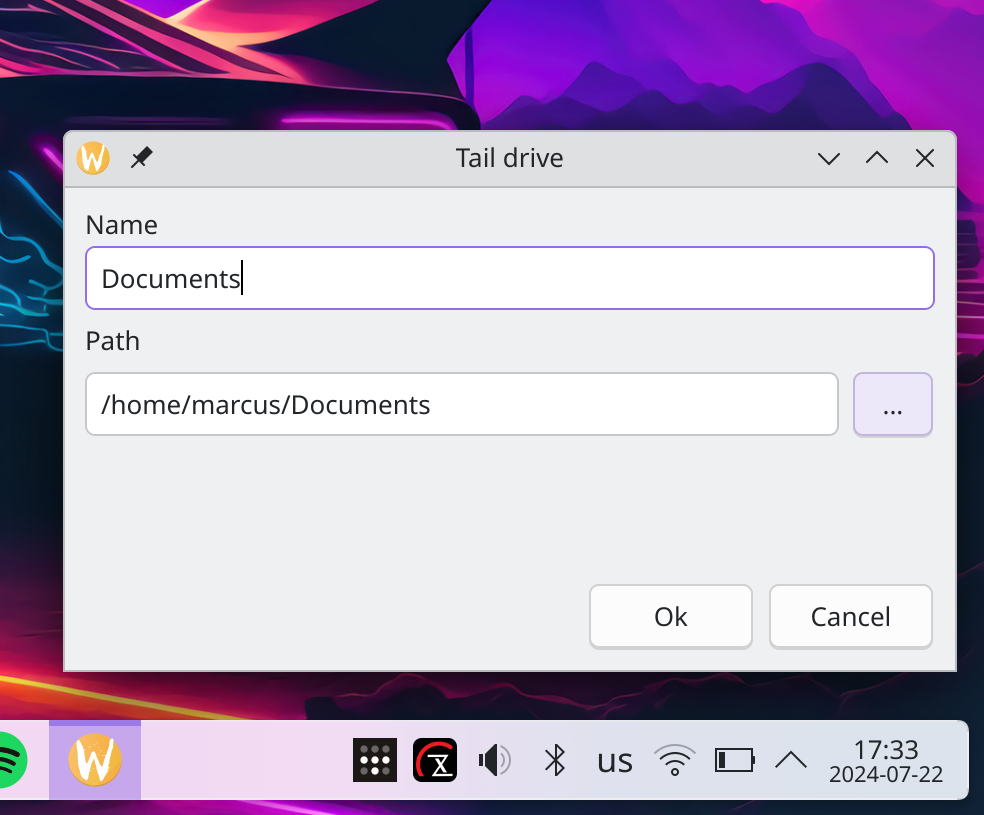
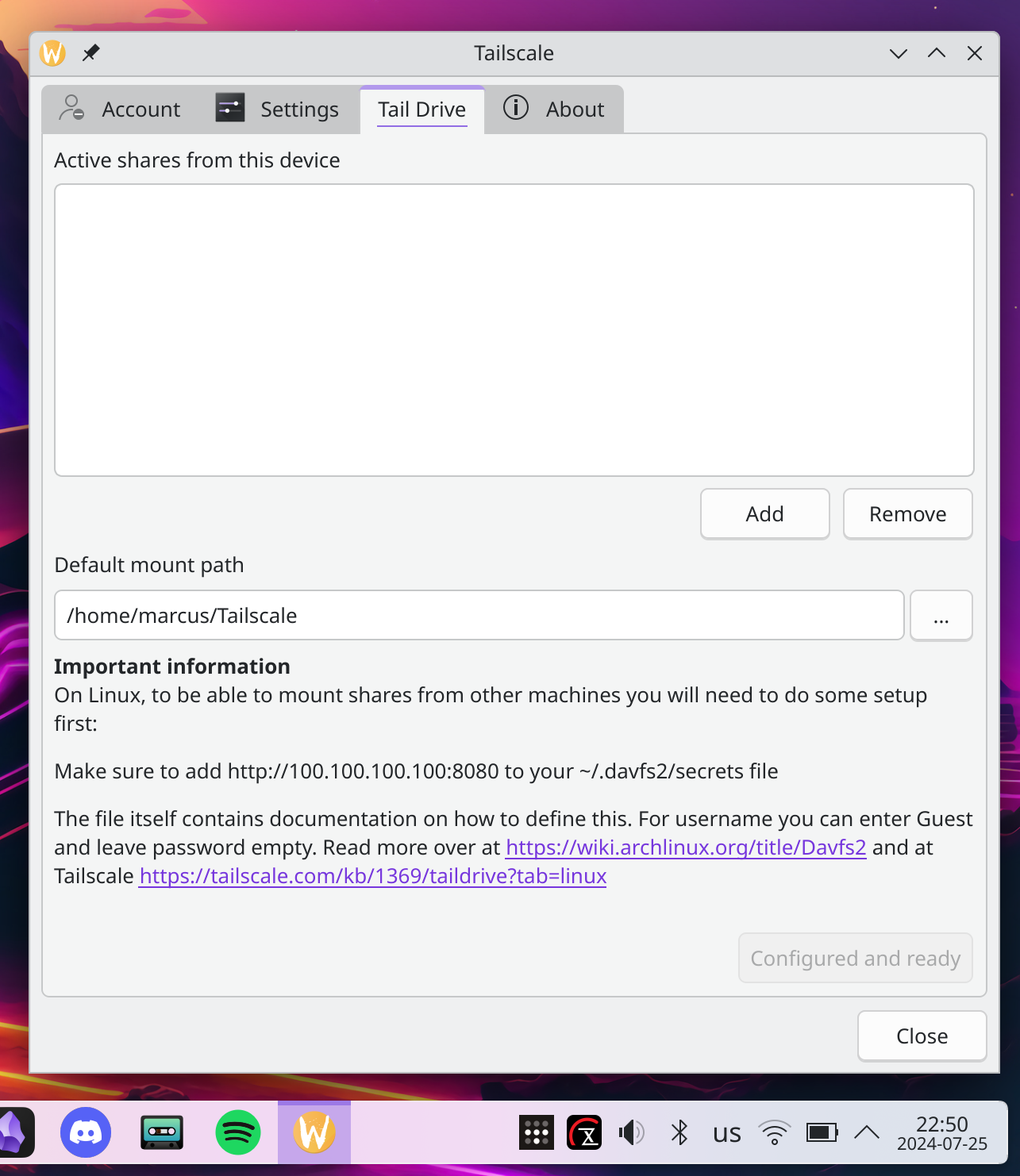
- [X] Tail drive support - Working with davfs2 support + additional help setting up davfs2 and mounting etc
- [X] Send files to any device on your Tailnet directly from the tray menu
- [X] Get notified and receive files from any device on your Tailnet to a pre-defined location on disk
- [X] Pre-built binaries for major distros and experimental Windows support
License
GNU General Public License v3.0 - see LICENSE for more detailsInstallation
For now the easiest and most reliable way to install this is to build it from source. To do that, please see the Getting started section below.Prerequisites
- Tailscale installed and running - https://tailscale.com
- davfs2 installed and configured (If you plan on using Tail drives or accessing Tail drives. Tail Tray also helps you to automatically configure this) - https://wiki.archlinux.org/title/Davfs2
Supported architectures
- x86_64
- ARM64
- Any other architecture that QT 6 supports and where you can compile this project and where Tailscale runs
Getting started
Pre-built packages
- Debian / Ubuntu / Mint based distros
- OpenSUSE & Fedora RPMs
- NixOS
- Windows (EXPERIMENTAL! latest unstable only, and not signed)
Build and install from Source
Scriptable actions
To learn more about how to write and use scriptable actions, please read the Scriptable actions GuidParticipating & Filing bugs
- If you would like to participate in the development of this project, feel free to fork the repo and submit a pull request.
- Bugs, we all get them... Please file an issue in the issues tab and we'll sort it out together.
Screenshots
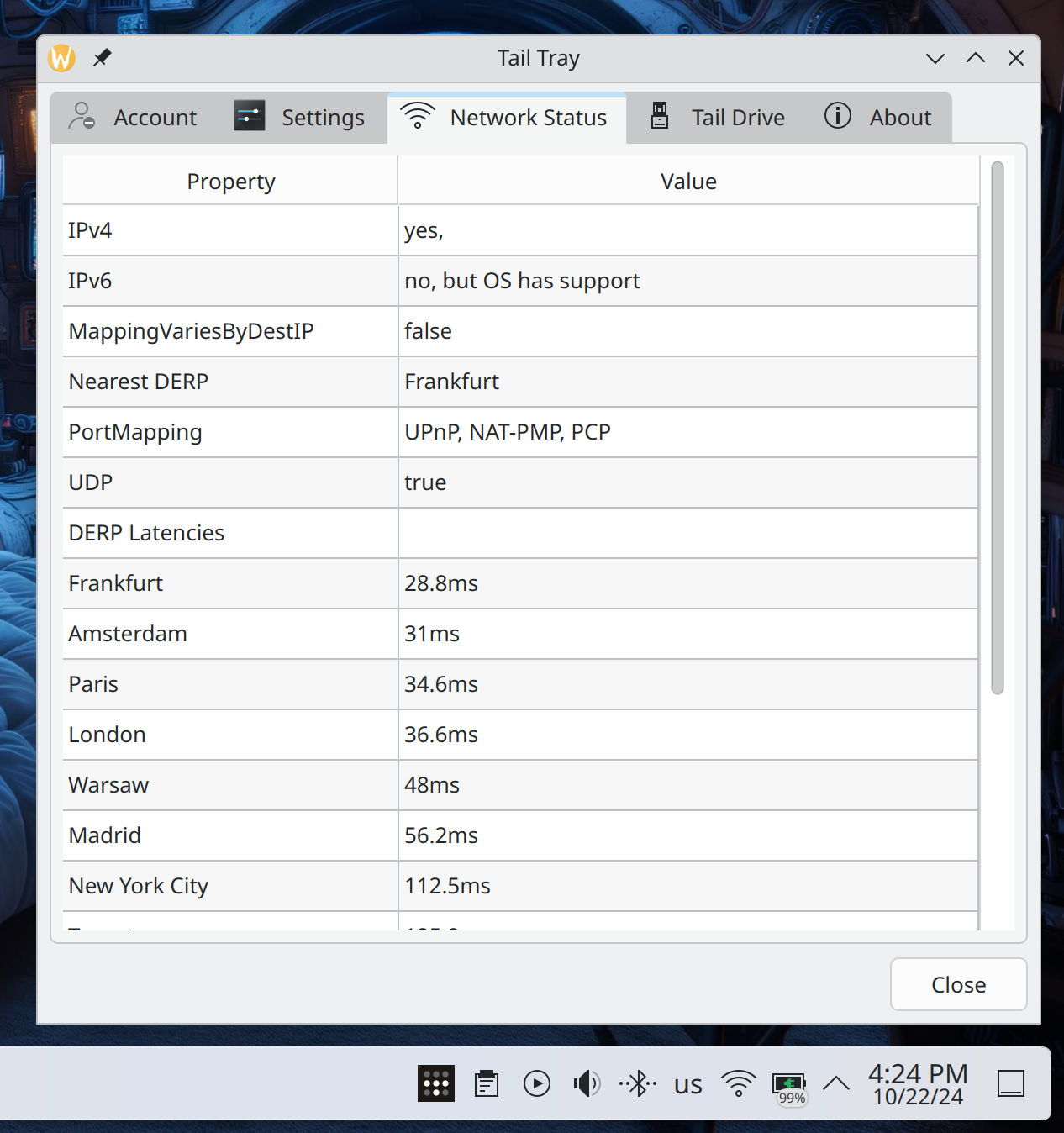
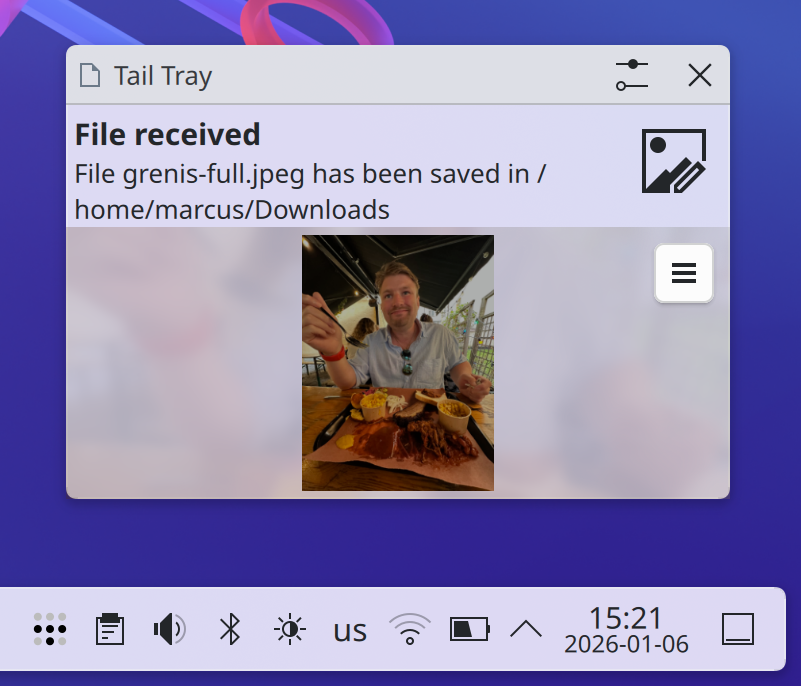
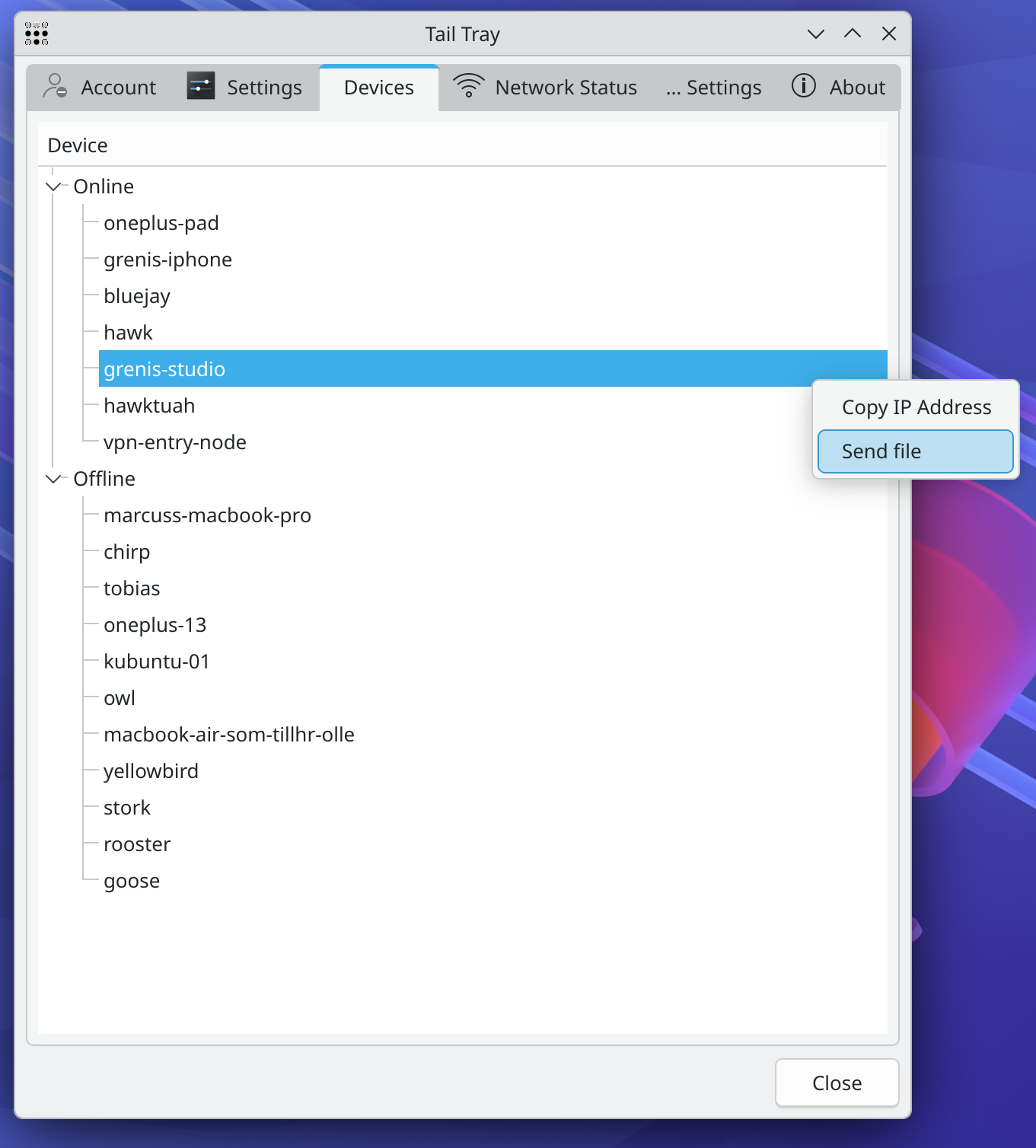
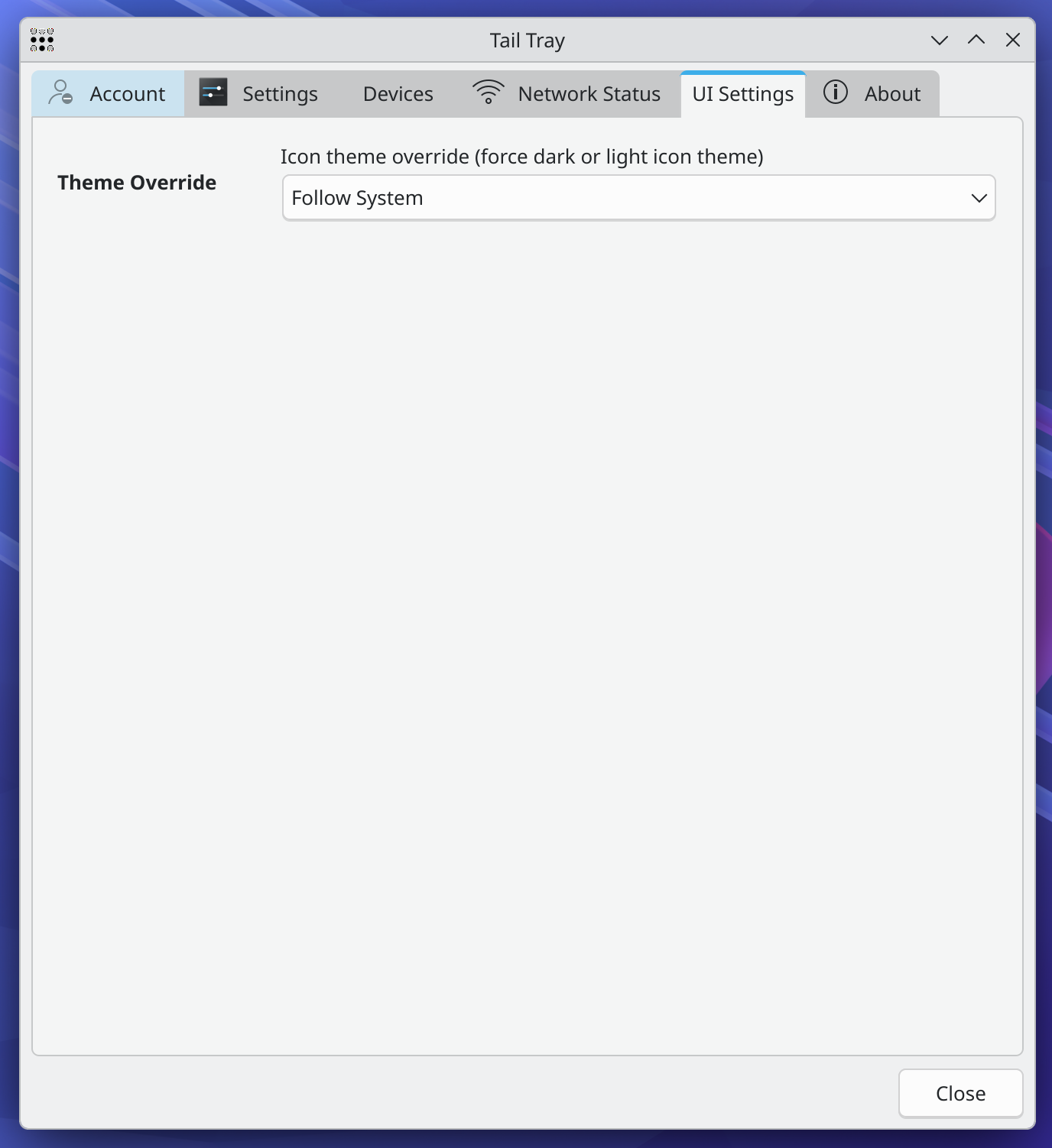
--- Tranlated By Open Ai Tx | Last indexed: 2026-07-07 ---