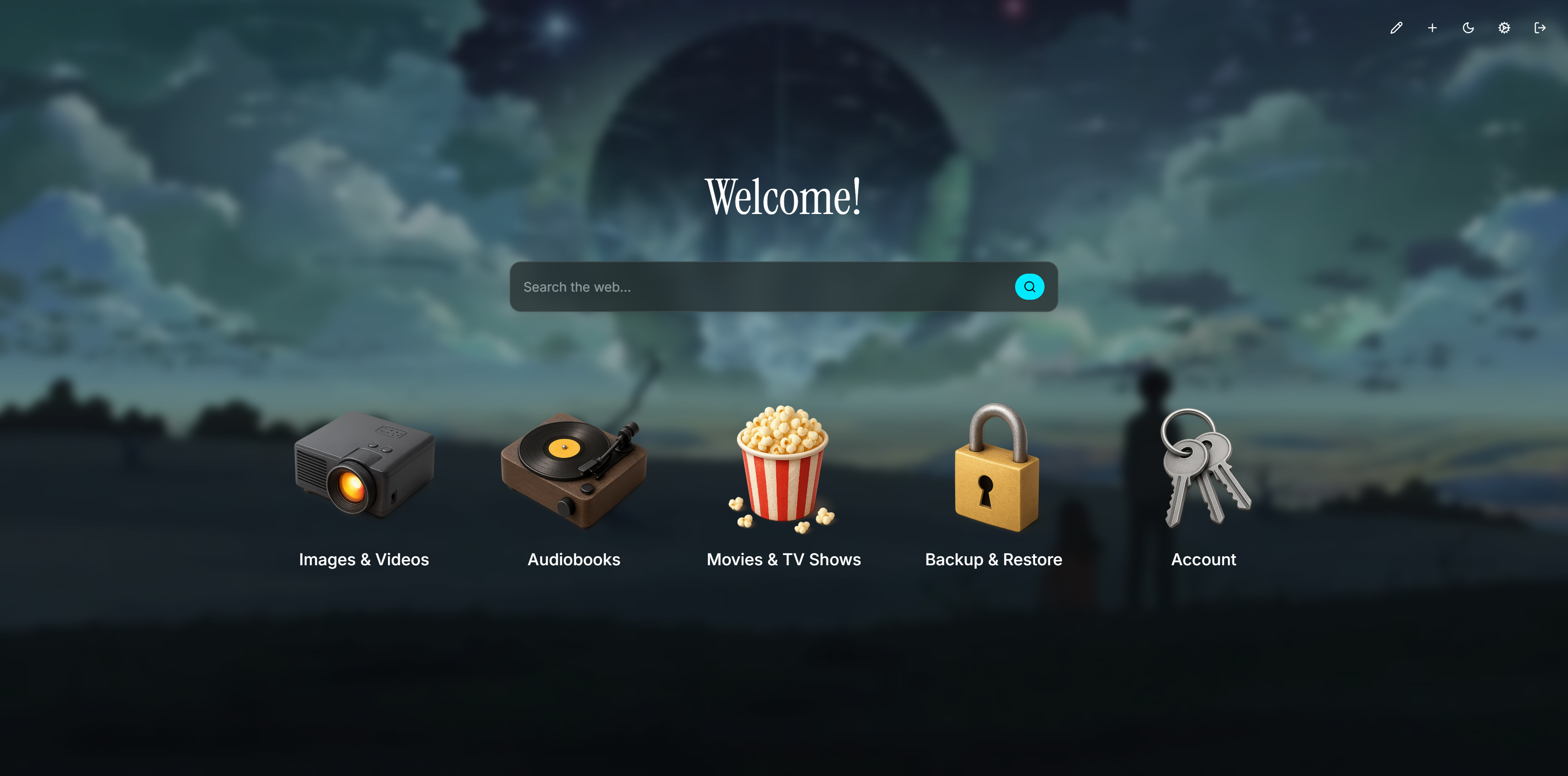
Iso is a plug-and-play dashboard for all your self-hosted services. Built for my personal homelab — now open-sourced for yours.
- Fully configurable through a single
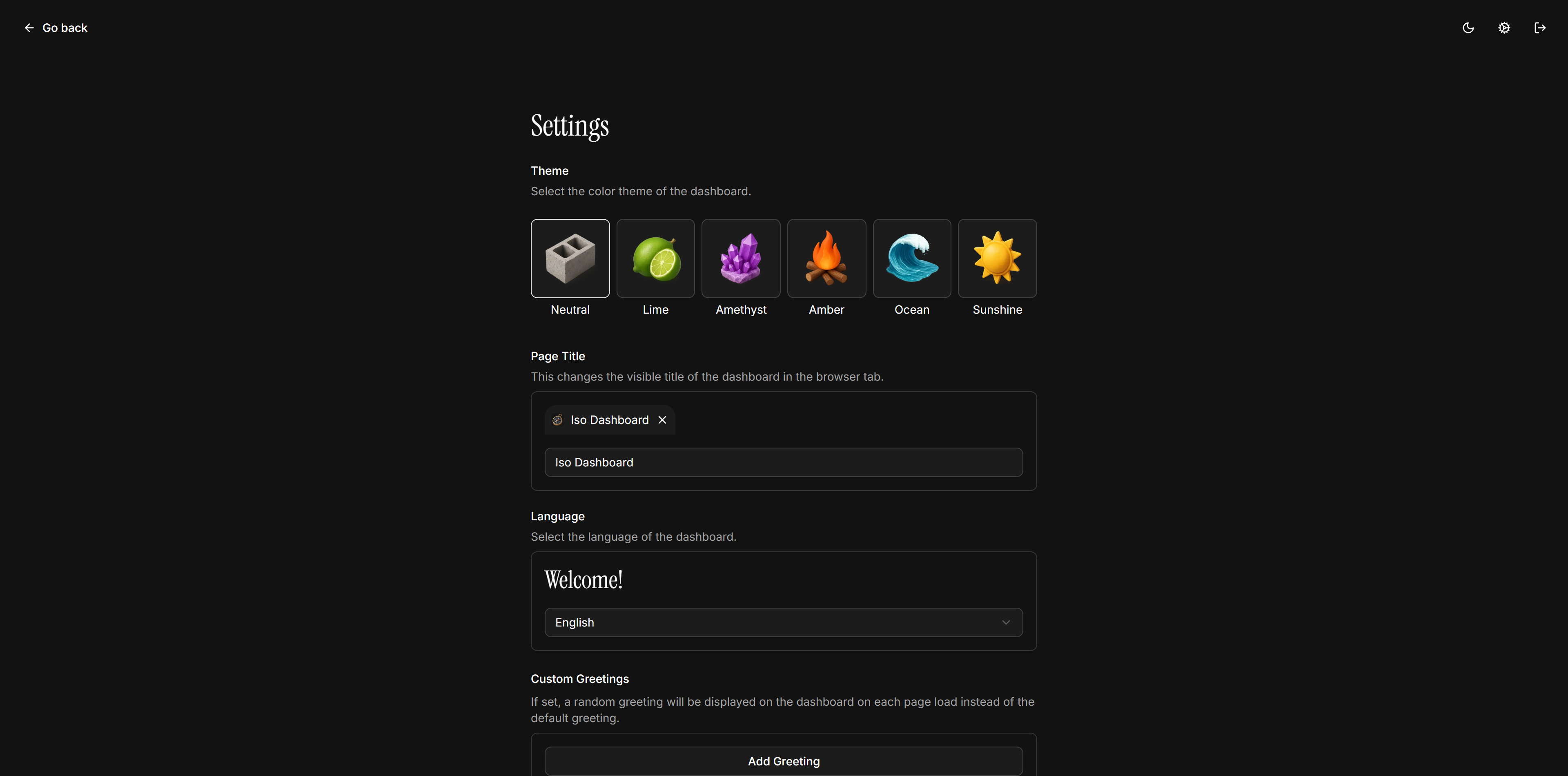
config.jsonfile - Multi-language: English, Español, Français, Deutsch
- Icon ready: choose from a set of built-in icons or supply your own
- Docker-first: run anywhere with one simple command
️Quick Start
Docker
docker run -d \
  --name iso \
  -p 3000:3000 \
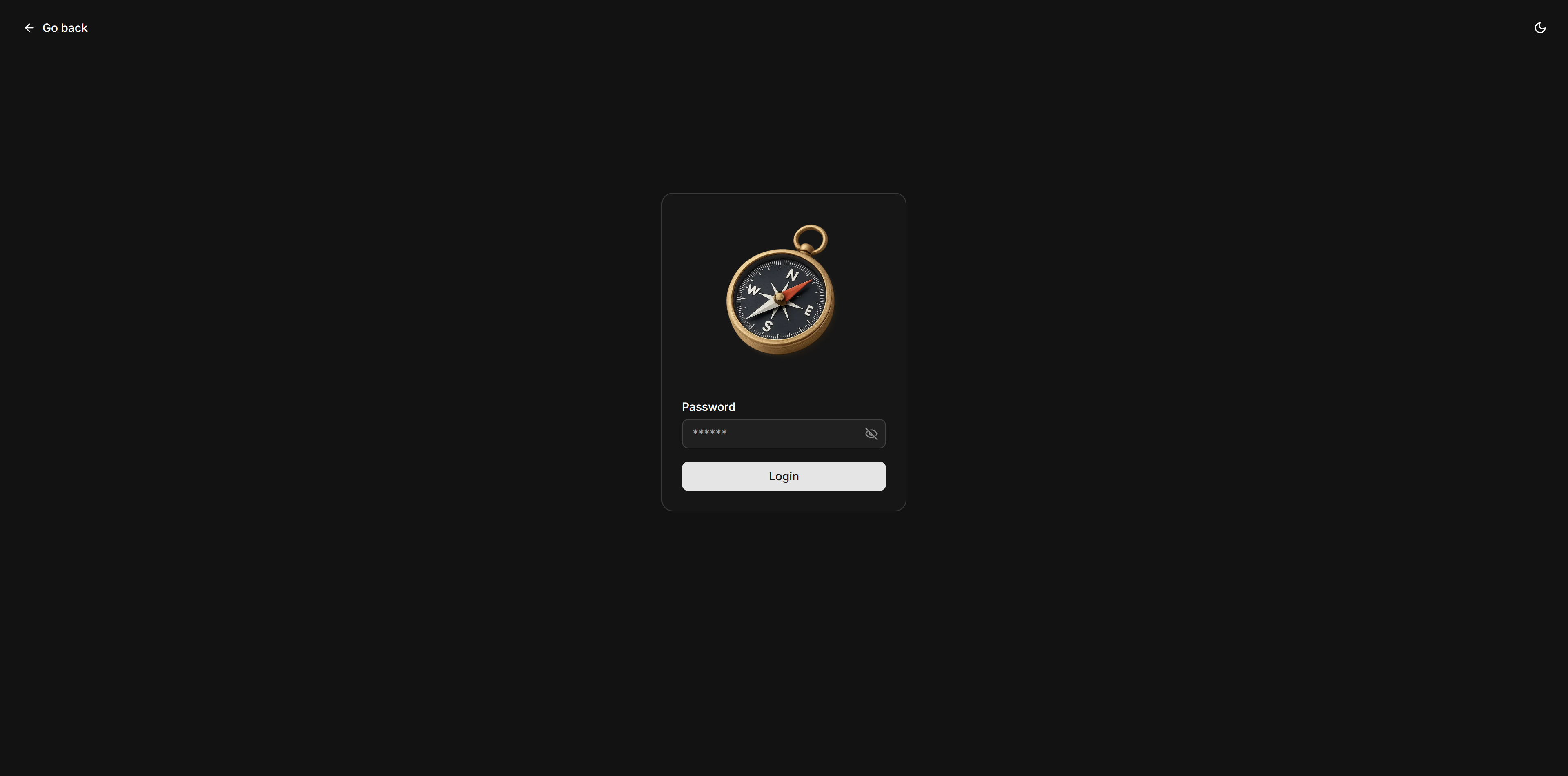
  -e AUTH_SECRET="changeme" \
  -e AUTH_PASSWORD="changeme" \
  -v ./config:/config \
  coyann/iso
Docker Compose
services:
iso:
image: coyann/iso:latest
container_name: iso
ports:
- "3000:3000"
environment:
- AUTH_SECRET=changeme
- AUTH_PASSWORD=changeme
volumes:
- ./config:/config
restart: unless-stoppedOpen http://localhost:3000 and you're up and running!
Configuration
Iso is configured through a single config.json file located in the /config directory.
Example Configuration
{
  "title": "My Dashboard",
  "services": [
    {
      "order": 1,
      "icon": "tv",
      "label": "Plex",
      "href": "https://plex.example.com"
    },
    {
      "order": 2,
      "icon": "lock",
      "label": "Bitwarden",
      "href": "https://vault.example.com"
    }
  ],
  "locale": "en",
  "theme": "amethyst",
  "greetings": [],
  "pageLoadAnimation": true,
  "search": {
    "enabled": true,
    "engine": "google",
    "engineUrl": "",
    "placeholder": "Search ..."
  }
}
Configuration Options
- title: Dashboard title displayed in the header
- services: Array of service objects with:
order: Display order (number)icon: Icon name from built-in setlabel: Service display namehref: Service URL- locale: Language code (
en,es,fr,de) - theme: Color theme (e.g.,
amethyst) - greetings: Custom greeting messages
- pageLoadAnimation: Enable/disable page animations
- search: Object containing search bar settings
enabled: Toggle visibility of the search barengine: Built-in search engine (google,bing,duckduckgo,startpage,qwant,searx, orcustom)engineUrl: Custom search engine URL. Use[q]as placeholder for the search query.placeholder: Input placeholder text shown in the search bar
Environment Variables
| Variable | Description | Default | Required |
|----------|-------------|---------|----------|
| AUTH_SECRET | Secret key for authentication | - | No |
| AUTH_PASSWORD | Password for dashboard access | - | No |
| APP_DATA_PATH | Path to config directory | /config | No |
More Screenshots
Development
Prerequisites
- Nix
- The Bun JavaScript runtime
Local Setup
- Clone the repository:
git clone https://github.com/Coyenn/iso.git
cd iso- Install dependencies:
bun install- Start the development server:
bun dev- Open http://localhost:3000 in your browser
License
Distributed under the MIT License. See LICENSE for more information.
---
Tranlated By Open Ai Tx | Last indexed: 2025-12-11
---