Home assistant Delonghi integration









Known issues
- Delonghi device reports one status at a time: if you remove the water tank first and then remove the coffee grounds container, you get only one warning about the water.
- Delonghi devices support only one connection. You cannot connect to the device using the native application while this integration is active.
- Delonghi device may not handle client disconnections or unexpected connection loss. If the Home Assistant connection drops (for example, due to network issues or the host going offline), the coffee machine may still think it's connected.
Component to integrate Delonghi coffee machine into the Home Assistant
This component establishes persistent Bluetooth connection to send commands to cafe machine. If any parallel connection will be set the integration will not work.
Events
This integration triggers events in case of device state is changed.
The event looks like following:
{
   'data' : "b'd0 12 75 0f 01 05 00 00 00 07 00 00 00 00 00 00 00 9d 61'"
   'type' : 'status'
   'description' : 'DeviceOK'
}Installation
#### HACS Add this repository into HACS as a custom repository.
#### Manual
Copy all files from this repository in custom_components/delonghi_primadonna to your
Configuration
- Find the device MAC address using a BLE scanner or smartphone
- Open the integration page
- Click add integration
- Enter "Delonghi"
- Select the "Delonghi Primadonna" integration
- Enter the name and the MAC address
- To change these settings later, open the integration options and update the
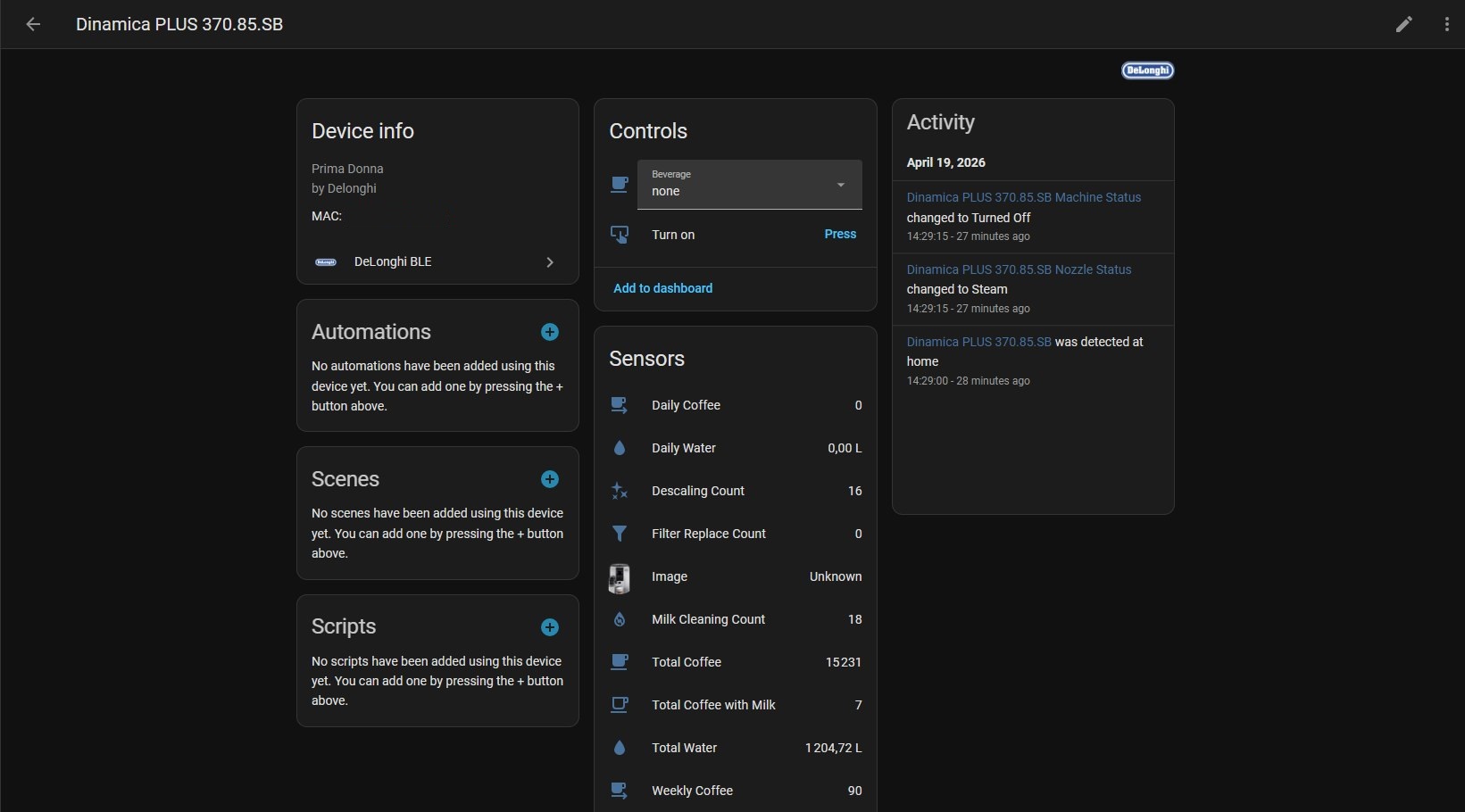
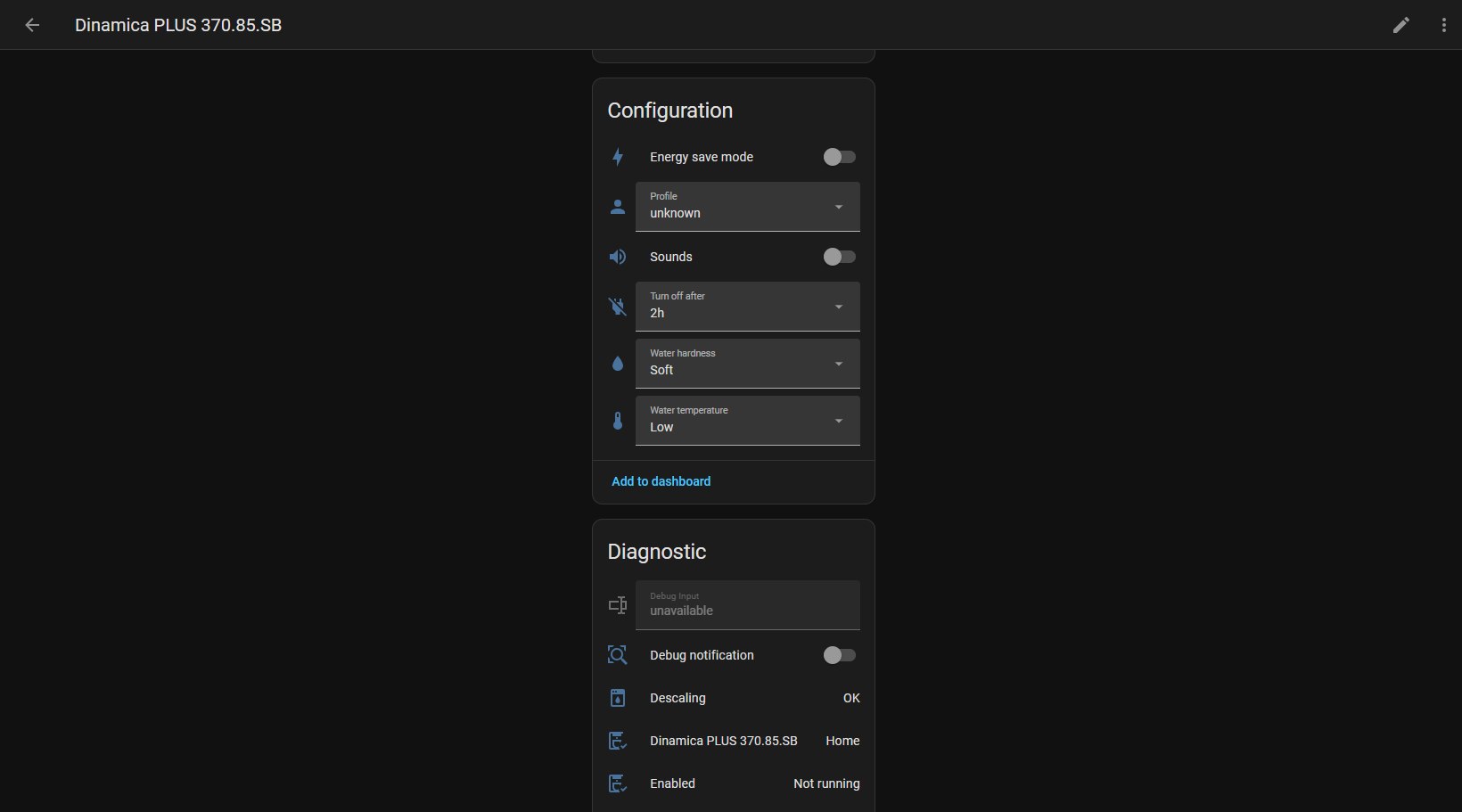
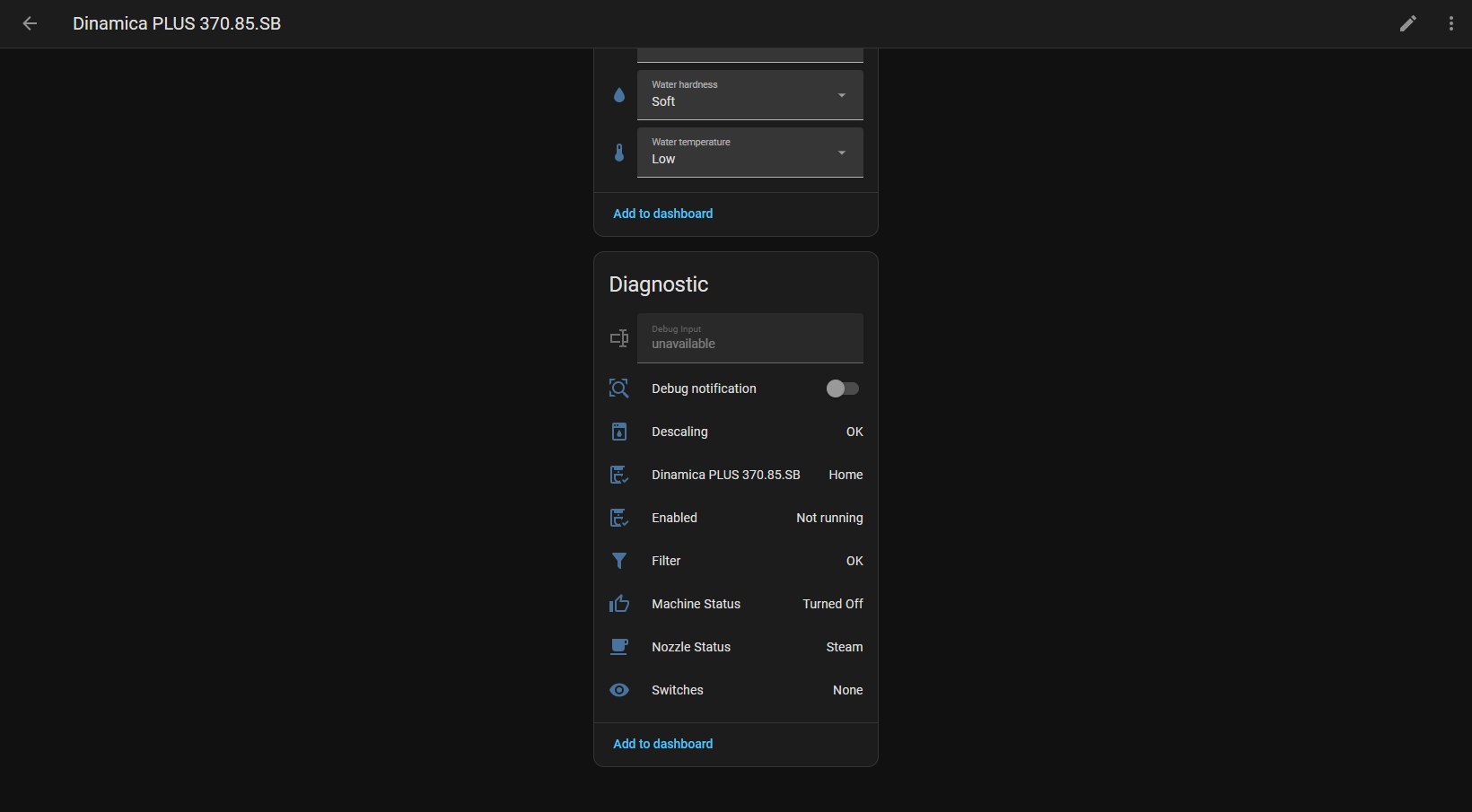
Compatible devices
- De'Longhi ECAM 550.55
- De'Longhi Dinamica Plus Class ECAM 370.85.SB
- De'Longhi Dinamica Plus Class ECAM 370.95
- De'Longhi Maestosa EPAM 960.75.GLM
- De'Longhi ECAM 650.85.MS
- De'Longhi ECAM 550.55.W
- De'Longhi ECAM 650.55.MS EX:1
- De'Longhi ECAM 510.55M
- Feel free to add your model...